Home Blog Explore Search

Little Tiny Frogs with Brad Wardell

Fences explained by screenshots

Published on Friday, October 2, 2009 By Brad Wardell In Personal Computing
image

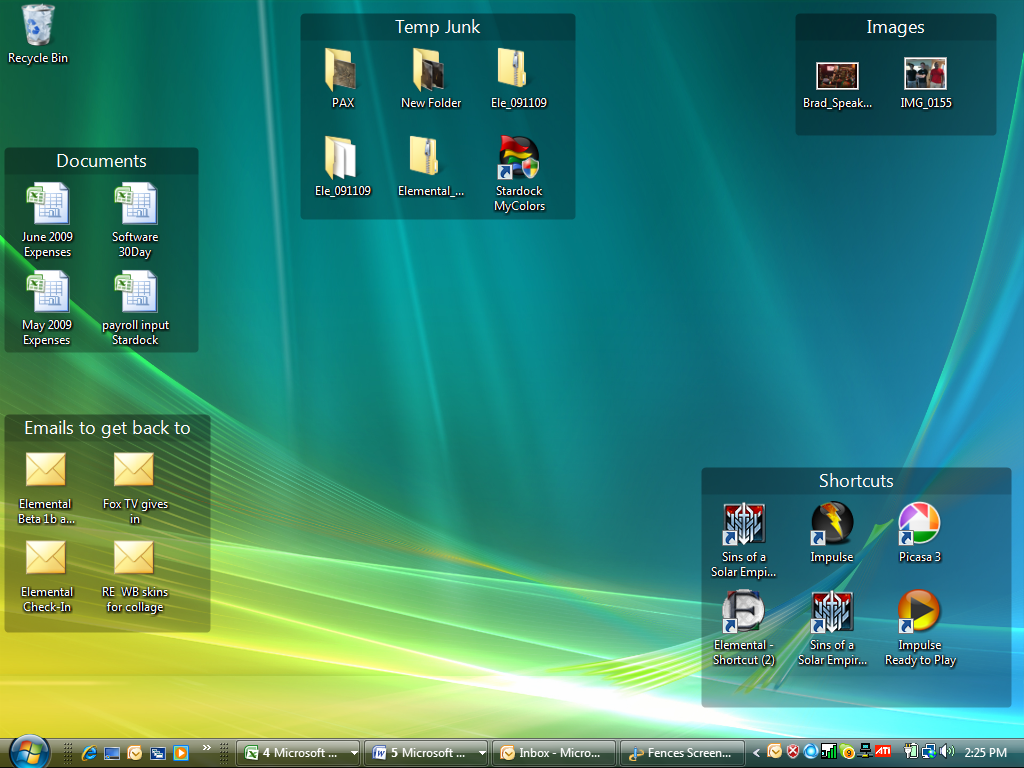
Organize your desktop icons by creating fences and moving your icons into them.

 

image
Double Click on the desktop and it will hide your desktop icons, double click again and they come back.
 

image
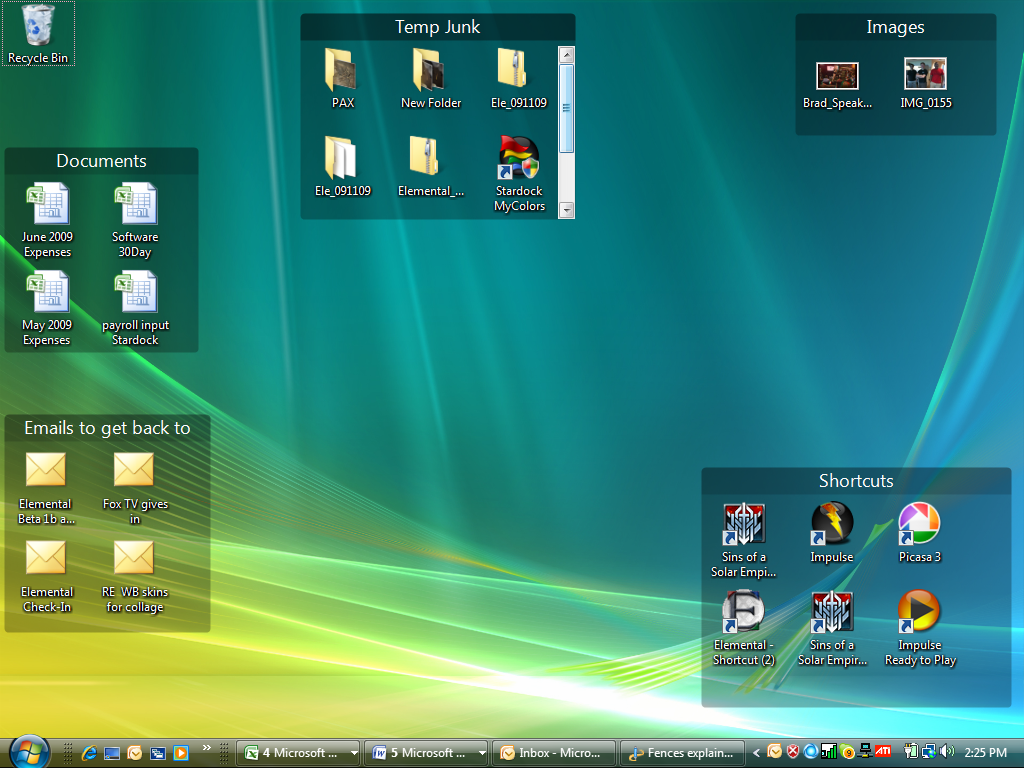
If you put your mouse over a particular fence (like Temp Junk) you can see all the other things in that fence that were hidden.

5 Comments 31 Referrals
Comment
Share on Tumblr
Follow Brad Wardell
Brad Wardell's Twitter profile Brad Wardell's Facebook page Brad Wardell on Tumblr Brad Wardell on YouTube Brad Wardell's RSS Feed
Latest Comments
>

Game Developer Economics of 2019

Published on 12/28/2018
>

War of Magic, should it be brought back?

Published on 12/7/2013
>

Elemental Wishlist

Published on 7/29/2025
>

My first mod

Published on 10/16/2018
>

Help us localize GalCiv IV to more languages

Published on 9/6/2023
>

Star Control 3 canon

Published on 3/20/2021
>

Dev Journal #2: Help Shape the Game

Published on 7/31/2025
>

Dev Journal #3: The Great String System Overhaul

Published on 8/7/2025
>

GalCiv IV: Steam <-> Epic Keys

Published on 4/30/2023
>

Elemental all purpose chat thread: Summer 2025

Published on 7/25/2025
Terms of Service Privacy Policy About Contact Stardock
Copyright © 2026 Stardock Corporation. All rights reserved.