Brad Wardell's Blog


2007: Year of Supreme Commander

Published on Friday, August 4, 2006 By Brad Wardell In GalCiv Journals

As some people know, I was a huge fan of Total Annihilation. It is, definitely, my favorite game of all time.

So much so that I've cleared months of my schedule in 2007 to dedicate playing, modding, and enjoying Supreme Commander, developed by Chris Taylor's new team. I'm just so excited for this game. More so than any other game ever.

I've made sure that all my project management and coding duties are reasonably clear during that time frame so I can fully get the most out of that time.

Not that I won't be working at all, but I'll probably only work a normal 40 hour week during that time frame.

Stardock Fall schedule solidifies

Published on Thursday, August 3, 2006 By Brad Wardell In WinCustomize News

With Object Desktop 2007 out the door, Stardock is already at work on the first round of new features and new updates for it.

One major program users have been waiting forever for is ObjectBar 2.0.  We're working on it and it will definitely be going gold soon.  We have more resources to work on it now. The difficulty has just been the complexity of that program and trying to keep it competitive with what Google and others have been doing.

We are also looking for ObjectBar skinners to help make some themes. If anyone is interested, contact me ([email protected]). There's money involved.

Another area we're working on is DesktopX 4.0. DesktopX 3.2 should be generally available next week (it's already available on Object Desktop).  The biggest feature on DesktopX 4.0 right now is the ability to export DesktopX gadgets/widgets as Sidebar gadgets.  If anyone has seen the...collection of current Sidebar gadgets, the feature wealth of DesktopX to create cool content should be of interest to those wanting to make Sidebar gadgets for Windows Vista (and the sidebar is supposed to come out for XP as well).

Meanwhile, WindowBlinds for Windows Vista continues forward. Our goal is to make sure existing WindowBlinds skins designed for Windows XP not only function on Windows Vista but are able to skin the new GUI elements on Vista automatically (by doing things such as taking pieces from one part of the skin and applying it to new controls and such).  The betas for that should start to show up once Vista has stabilized further.

We have a host of other updates of various sizes for other Object Desktop components as well.

If there's something in particular you would like to see, let us know.

Microsoft: Push Vista back!

Published on Thursday, August 3, 2006 By Brad Wardell In Windows Vista

When I started writing this article, I thought I might be a voice in the wilderness.  Since beta 2, I have been privately telling some of my confidants that Vista's development was not on track for their release schedule. 

By profession I'm a software developer. Specifically a Project Manager.  None of my projects are remotely as large as Windows Vista but it doesn't take someone with that kind of experience to recognize that Windows Vista is not where it needs to be in order to ship in good shape at the end of the year.

My friend Robert McLaws and I have been going over this for months. My argument with beta 2 was straight forward -- Whistler (May 2001) was something you could actually run, Vista beta 2 was not.  In fact, even now, August 2006, running a very recent external build (5472 but not 5484 -or later- because Microsoft's internal ISV program is ridiculous but that's a whole different issue), it's not something I could run as my primary OS. As he writes, he had given Microsoft the benefit of the doubt but it's become clear that Vista is not likely to be solid by the time it's supposed to go gold.  Paul Thurrott is also pondering Vista's ship date he's more ambivalent.

I'm not ambivalent: Vista is not ready. I've been beta testing OSes for going on two decades. I use them as both a developer and user. We helped design the OS/2 Warp 4 desktop with IBM. Windows Vista is not ready. And this is the first OS I've tested since OS/2 2.0 back in 1991 that I felt was not ready for it's proposed release date. I don't say "It's not ready" lightly. And no one is going to accuse me of being some "inexperience kid barely old enough to drink alcohol."

I think Windows Vista not only should be delayed a little, but probably should be delayed a lot. And I say that even though a delay in Vista is going to cost our company a lot of money because we've betted so heavily on Windows Vista coming out 1st quarter 2007.  The fall distributor/retail trade shows are heating up and we have a line of Windows Vista focused products we want to show that we would have to put off if Vista gets delayed.  But even with that, I think Microsoft should push Vista back not just a quarter but possibly all the way back to August 2007. 

The problems that have been reported publicly are problems that mostly affect end-users.  But they go deeper than that. A lot of the underlying plumbing is not ready for prime time. Compatibility is not anywhere near where it should be. And just day to day usage of it is not acceptable.

The Basics

Let's start with the basics -- Windows Vista is a fundamentally sound OS concept. It is a matter of finishing it that is the issue.  Take whatever you think the greatest piece of software in history is and imagine how things might have gone differently had they shipped it two months sooner.

What will happen if they ship Windows Vista if it comes out in 1Q2007? I predict it will be a disaster. Driver compatibility, rough edges in software working, weird and unpolished UI design, etc.  The acronymn UAC will come to haunt Microsoft and they will rue the day they didn't wait just a few more months to get driver compatibility together. Let me outline more below.

Compatibility

Windows Vista is just not reliably compatible with existing software and devices.  This comes in two forms of compatibility.  The first form is where Microsoft needs to make tweaks and changes to get existing software and hardware to run seamlessly. The second involves third-parties making the necessary updates to their software.

That printer utility that you like so much, that cell phone USB connection that lets your laptop get Internet access, the handy transfer applet on your digital camera, the proprietary software that you use to do video, the program you use to get shows from your DVR to your computer, the shareware utility that manages your contacts over your LAN, that fingerprint reader for your new laptop, may all need to be updated.

Many of the changes will need to be done by the third parties. But how can third-parties update this when the underlying infrastructure is still in flux? How can they get updated when the OS itself is only now becoming reliable to use?  Some of these things take time.  We're not talking the week to fix the endless security pop-ups that beta 2 had.  We're talking time to figure out a very new system.

On the flip side, there are things that are endlessly frustrating to developers to see Microsoft screw around making Office 2007 have a fancy (and extremely custom) interface that works fine in Vista while their own skinned applications get broken.  There's a lot of programs out there with custom interfaces that behave very flakey under Vista.  Developers will need Microsoft to either fix that or make sure developers have enough time to update their apps. But things keep changing under the hood so much that just when developers think they have something working, it gets broken again -- and supposedly "release candidate" 1 is due out soon.

Usability

Because so much work has gone towards improving usability in Windows Vista -- a cleaner, more elegant environment, it is not surprising that there are also lots of bugs to work out. And those bugs are still there. 

There's so many major betas coming together that I feel like I'm being taken down by thousands of tiny pinpricks. A weird IE7 issue here, a strange start menu issue there, a bizarre error dialog there.  It's frustrating and it adds to the first issue - if we're wasting hours fighting with the OS to open a file that it thinks I no longer should have access to for some strange reason, then I'm not writing the code I need to write in order to get my stuff to run on Vista because Microsoft broke it. 

Performance

Memory usage and performance has improved greatly in recent builds. Kudos to Microsoft. But it's still no where near where it should be.  There are still tons of processes on boot up that really shouldn't be on in a default boot. One can almost envision some internal Microsoft political power struggle over who gets to have their thingy on at boot and the guys who are winning are not winning because of need but because of internal clout. At least, that how it feels at times.

Then you get to the performance of the system if you're not running Aero (or as we call it, not running the DWM). All the 2D hardware acceleration that has been slowly put into versions of Windows NT since 3.5 has been jettisoned.  In Vista, as it stands, if you're not running with the DWM then you ain't getting nothin. It's going to be slow and painful.

It's like they spent a decade getting 2D performance good and then in Vista they tossed it all out and started from scratch. Now 2D is done in software even though all existing apps use GDI -- and Avalon (WPF) -- is not fully hardware accelerated either. We'll get to that.

Development

This is where things get really ugly.  As a developer, Windows Vista is supposed to deliver.  I'm most worried about Windows Presentation Foundation. The replacement to GDI is mostly not hardware accelerated which means that things run very slowly.

Maybe the video card makers need to update their drivers. I don't know. But I do know that it's incredibly difficult to know what can and can't be done. Disecting Flip3D to what calls it's using seems silly. It's using Milcore anyway. In fact, at this point, developers are just bypassing WPF and going right to Milcore which is not how it's supposed to work.

But not all Dwm calls are hardware accelerated it seems.  Dure, DwmRegisterThumbnail and the like are hardware accelerated because Flip3D makes a good video demo but at this stage, if RC1 is only weeks ago, we should have a list of APIs that are hardware accelerated.

Let me give you an example -- last year Microsoft got rid of WinLogon as we know it. Lots of programs use that to launch themselves.  It's August 2006, there's no replacement. How's that finger print reader going to work? Dunno. How are those programs that need to launch before the shell comes up going to work? Dunno. And like I said, this is just an example.

The thing is, the sand is shifting so much when it shouldn't be at this stage. New builds come out and break new things. Teams at Microsoft are rushing their brains out to get things checked in which means mistakes are going to happen.

Time enough to win

Microsoft wants to please its enterprise customers who are "subscribing" to get Microsoft updates.  But no one is going to be pleased with a Windows Vista that isn't ready to go.  This version of Windows has so much promise. It just needs enough time.

Like Robert McLaws, I think Microsoft should do a beta 3.  I think it should plan on doing it in October.  With enough work and if things really progress well enough, they could get it out by March or April of next year (though I still think August 2007 is a better bet).

We've had Windows XP for 5 years now. Another few months won't make that much of a difference in the bigger scheme of things.  But if the OS comes out and it's a disaster, Microsoft will find OEMs offering users the choice between Vista and XP and a bad reputation could cost Microsoft far more than the few extra months would.

Updates:
Robert Mclaws has informed me of a blog that outlines the replacement to Gina (the winlogon stuff). SO okay, Microsoft has finally recently gotten around to documenting a replacement to Winlogon...on..a...blog. See here.

Object Desktop predicts the future..

Published on Wednesday, August 2, 2006 By Brad Wardell In WinCustomize News

This is a screenshot of Object Desktop for OS/2 from over 10 years ago.

When this screenshot was made, most people were running Windows 3.1. Remember what it looked like? Picture it in your mind. Now look at the screenshot of Object Desktop. Which does your computer look more like today - out of the box: Windows 3.1 or Object Desktop from 1994?

Check out the article below that gives a tour of how Object Desktop has been delivering "the future, today" and other cliches for years now.

Object Desktop 2007 was just released, now you too can join the cliche -- "the future, today!"

Object Desktop - next-gen OS features today!

Published on Wednesday, August 2, 2006 By Brad Wardell In OS Customization

For over 11 years, Object Desktop has been delivering future technologies to users long before they show up for the mainstream. If you want to know what's going to be in the OS someday, get Object Desktop.

Going back to 1994/1995, the earliest days of Object Desktop for IBM's OS/2 gives hints on things to come to the mainstream years later.

Take a look at these screenshots:

Look at Object Navigator. Designed before there was a Windows Explorer (anyone remember File Manager?) it boasted things that people today take for granted.  Look at the ZIP files -- they're folders and are treated like any other folders and were totally seamless to the user.  Again, remember the time frame 1994/1995.

The icon labels are easy to ignore but this was one of the many innovations that users often miss or taken for granted.  Similarly, Windows Vista will have a "sidebar" with "gadgets" on it.  Apple users argue that the Sidebar is taking from them. One can pull up a screenshot of System 7 (the version of the Mac OS from the same period) and try to find something as similar as Control Center which allowed users to plug in their own functionality. 

Not that Microsoft borrowed from Control Center. Stardock always considered it an obvious feature.

One feature we haven't been able to do on Windows -- yet that we did on OS/2 was Object Package. Object Package allowed a user to package a program or an entire desktop and take it to another machine with all the necessary classes and "registry" settings automatically applied.

It took awhile for Keyboard LaunchPad to make it to Windows but it did. This is another example of how seamless the ZIP handling was and how flexible Control Center could be.

Over the years many features first seen in Object Desktop found their way into the OS.  .ZIP integration, GUI Skinning, even a "Control Center" like bar.  And each new OS provides Stardock with new opportunities and new technologies to help create the next version of Object Desktop such as Object Desktop 2007:

...10 years later...

Now you have total control over the icon size on the desktop, can create your own labels, the right-click desktop menu can now be configured, minimized windows can be turned into interactive-tiles on the desktop, users can create their own gadgets and widgets, virtual desktops are faster, more powerful and able to be seamlessly integrated into the Start bar on Windows. The UI is easier to skin and can look a lot better. And by moving to Windows, with its much larger market, Stardock was able to lower the price from $89.95 to $49.95.

Users can build their own desktops from scratch, disposing entirely of what comes with Windows if they so choose.

Updates don't come yearly. Instead, they come in real-time. Users can continually download new updates to the different programs as Stardock makes them.

And even as the visuals improve, so too does the utility. Object Desktop is more than a pretty face, it provides the tools and enhancements to Windows needed so that users can make Windows work the way they want to.

And even as cutting-edge as this all looks today, someday, some of these features may seem like old hat as new features and programs that haven't even been imagined are developed.

If one looks at programs from 1994/1995 in other software arenas, they can compare how much has changed and how much has stayed the same.  Object Desktop continues to evolve and influence the market in ways far greater than its developer size would normally imply.


Dark Avatar: Which features do you want the most?

Published on Tuesday, August 1, 2006 By Brad Wardell In GalCiv II News

The last poll showed that the largest player demographic for GalCiv II is 26 to 35. So I'm in the majority -- barely at 35. Teh second was 19 to 25 with it declining dramatically in-between. 

This week's poll asks which feature of Dark Avatar (the expansion pack for Galactic Civilizations II) are people most looking forward to?

Dark Avatar isn't a traditional expansion pack. While it does add new units, new opponents, etc. That's where it starts. The real meat is how it fundamentally changes the actual game play. It's not quite a sequel but it's definitely closer to a sequel in terms of new features and content than it is to a typical expansion pack.

So the question is, which feature of Dark Avatar do you find the most interesting?

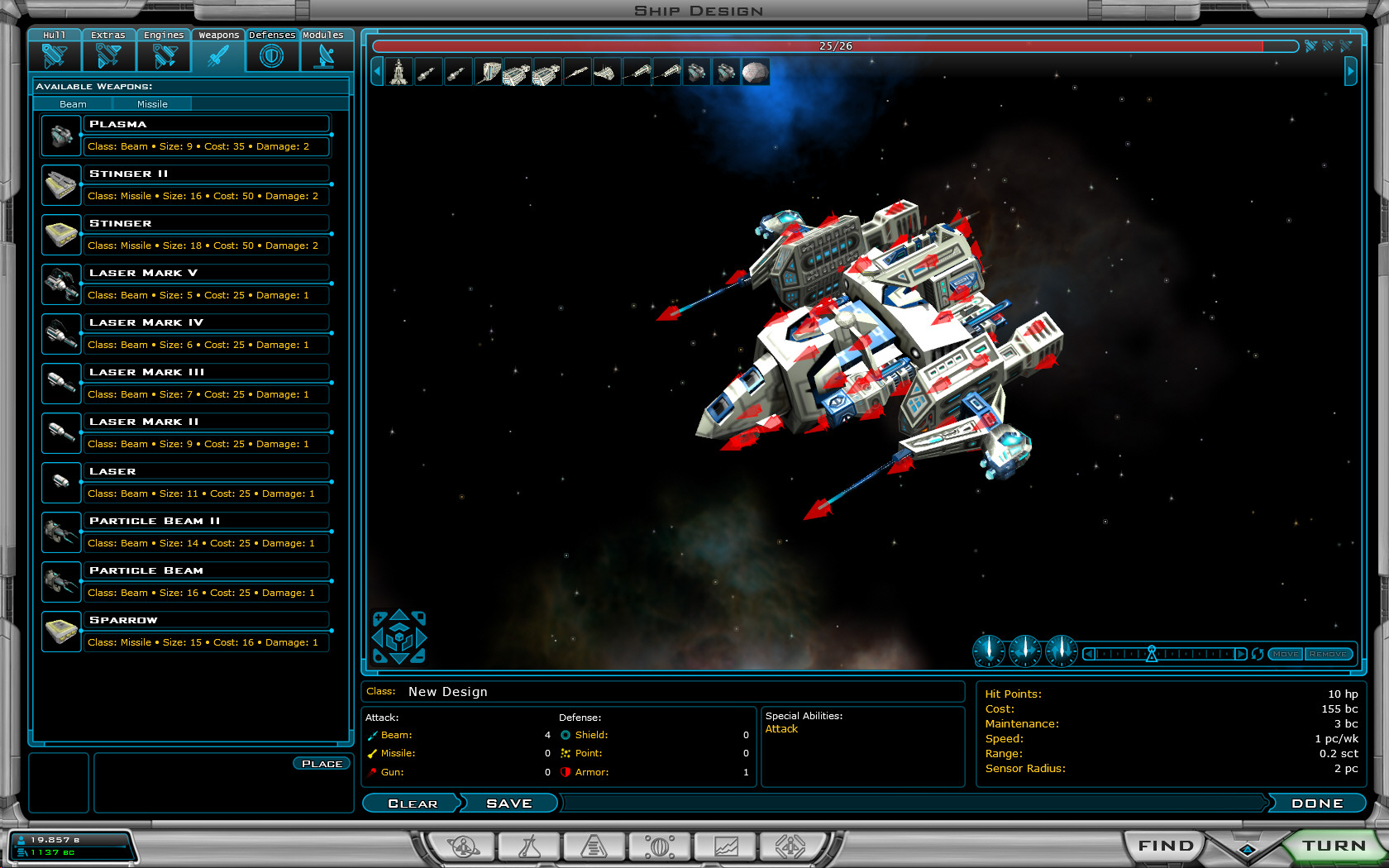
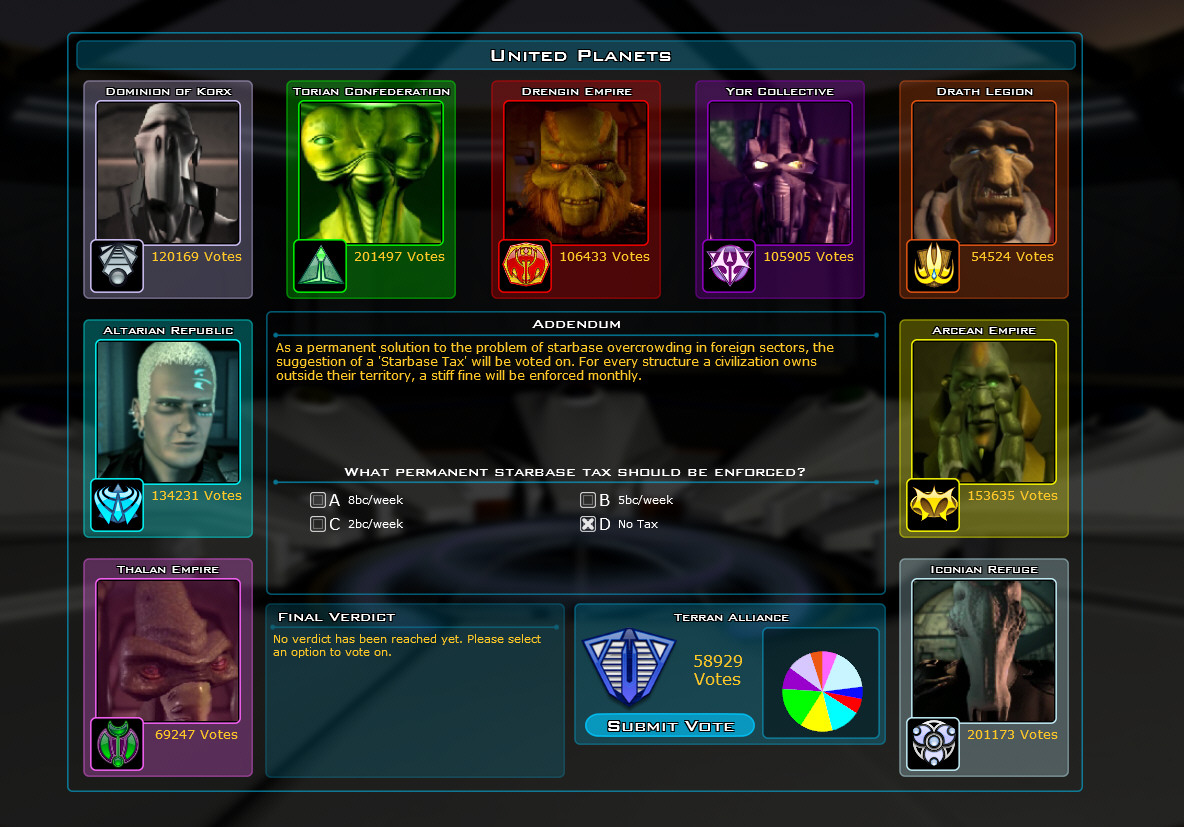
You have the ability to design your own opponents from scratch and play against them in future games.  You have your spies that you can send to do nasty things to your enemies or to protect yourself.  You have the environment categorization of planets so that you can't just rush out and colonize every planet at first. You have the epic generator which is designed to export your finished games as stories.  There's the asteroid fields which players can build labs on or defense platforms and the like.  There's the new AI options where rather than just setting the difficulty to "hard" you can instead adjust resource bonus/penalty and AI playing intelligence independently. and of course the new campaign where you play as the Drengin, conquering and enslaving. And lastly the new ships, hulls, and other goodies.

And that's just a surface level list. There's going to be a ton of detail work from large chunks of the AI being rewritten with new techniques to enhanced graphics, a Drengin UI, etc. 

If you don't have Galactic Civilizations II, it's at store near you. If you know someone who likes strategy games, please let them know. Staying on shelves, like Walmart, into the Fall is going to be tough so every sale counts.  If you already have Galactic Civilizations II, you can pre-order Dark Avatar and get a discount.


PowerUser.TV: Episode 52!

Published on Monday, July 31, 2006 By Brad Wardell In WinCustomize News

The PowerUser.TV podcast crew has struck again and this week's episode is particularly special! It's the one-year anniversary. 52 consecutive weeks in a row of zany podcasting.

Listen to one of the most popular podcasts on the Internet. Sponsored by Neowin.net, WinCustomize.com, and QuarterToThree.com. And hosted by the cool Kristin Hatcher, the tech savvy Derek Batting, Joel "Gamer" Hulsey, and the ever ranting Brad Wardell.

This week's episode talks about Windows Vista security, ATI and AMD, IE 7, gaming, and more!

Apolyton.net Civ IV Warlords Video Preview

Published on Monday, July 31, 2006 By Brad Wardell In GalCiv II News

At this year's ApolyCon, Sid Meier and Soren Johnson from Firaxis were amongst those who attended and gave a sneak peek at the just released Civilization IV: Warlords expansion pack.

The expansion pack to Firaxis's award-winning strategy game contains a host of goodies and if a picture is worth a thousand words then check these videos out:

For those of you who attended, sorry I missed you. I would have gone but my wife is due any day now.

PowerUser.TV: Episode 52 has arrived!

Published on Monday, July 31, 2006 By Brad Wardell In GalCiv II News

The PowerUser.TV podcast crew has struck again and this week's episode is particularly special! It's the one-year anniversary. 52 consecutive weeks in a row of zany podcasting.
Listen to one of the most popular podcasts on the Internet. Sponsored by Neowin.net, WinCustomize.com, and QuarterToThree.com. And hosted by the cool Kristin Hatcher, the tech savvy Derek Hatcher, Joel "Gamer" Hulsey, and the every ranting Brad Wardell.

This week's episode talks about Windows Vista security, ATI and AMD, IE 7, gaming, and more!

There's enough self-humiliation on this show to last a lifetime.

Galactic Civilizations v1.3 beta screenshots

Published on Saturday, July 29, 2006 By Brad Wardell In GalCiv II News

Galactic Civilizations II is out and in a store near you!

We've also been hard at work making new updates to the game for the past several months.  This past month we've been working on a new version - 1.3 which is a free update to all registered users.

The new update focuses mainly around making UI tweaks, performance, AI enhancements, and more. Not quite as glamorous as 1.1 or 1.2 but for long-time players, many long-requested features and changes are going in. 

The first beta of 1.3 is already available. There will be a couple of additional betas for users who want to try them out available in the coming weeks.

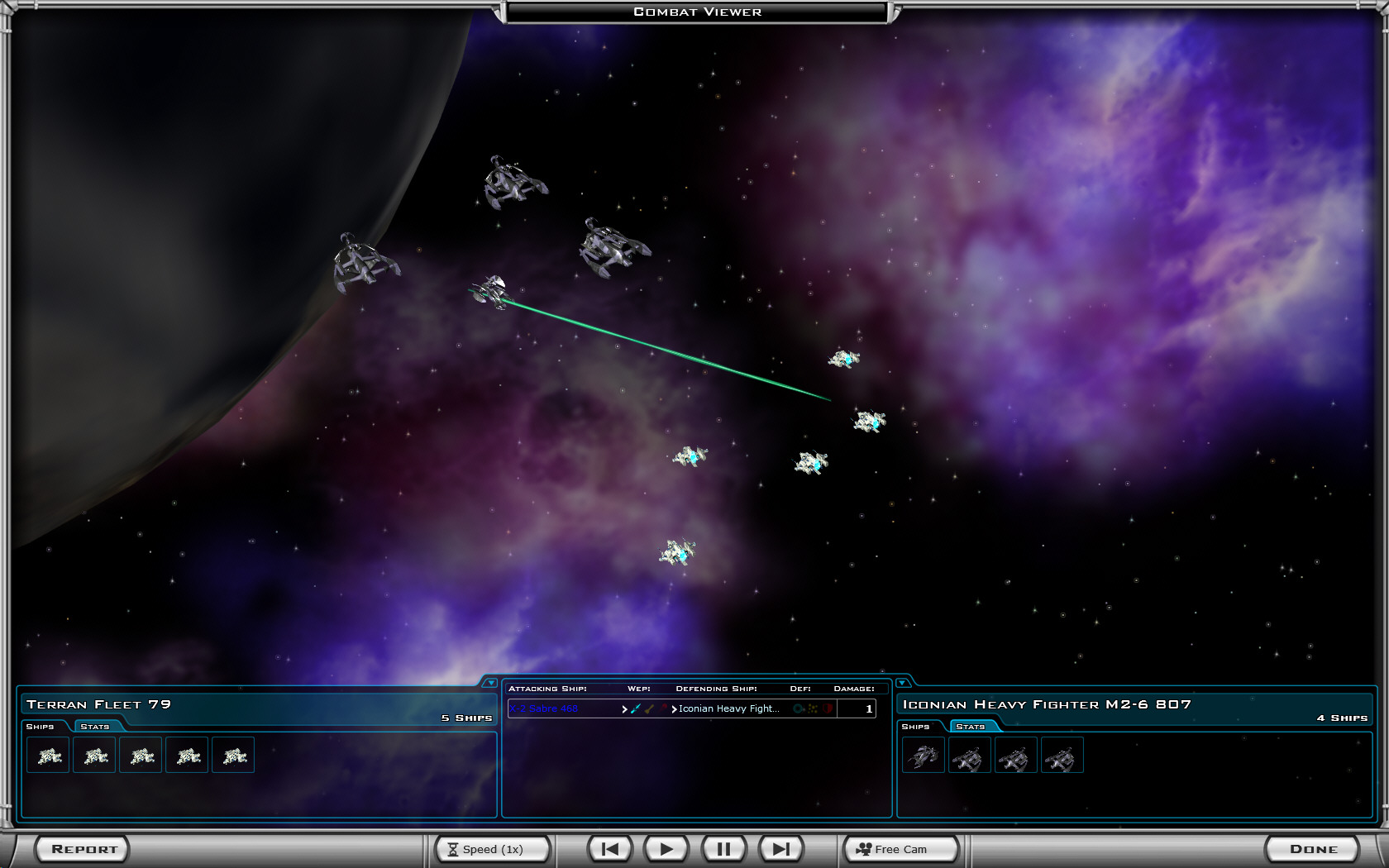
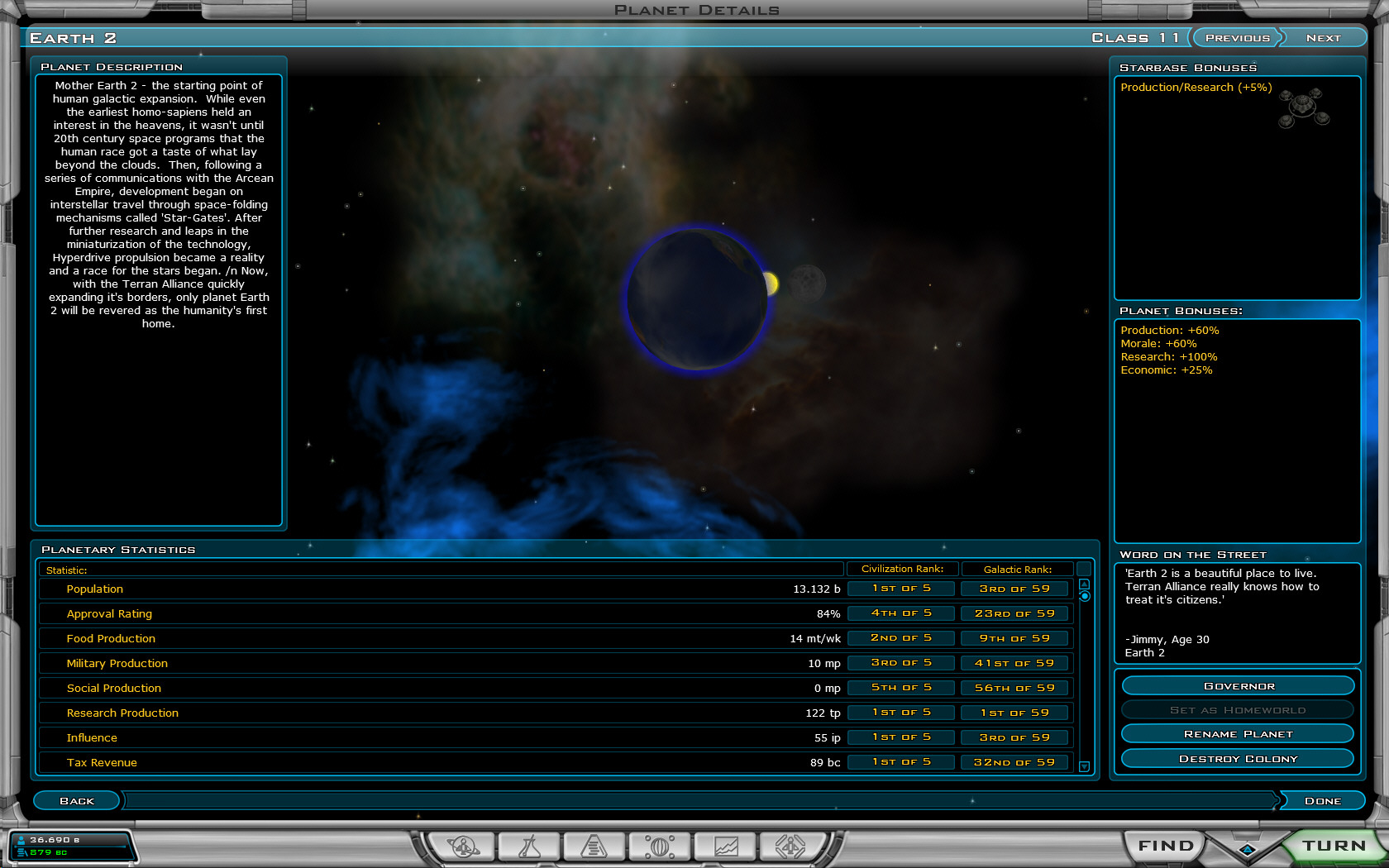
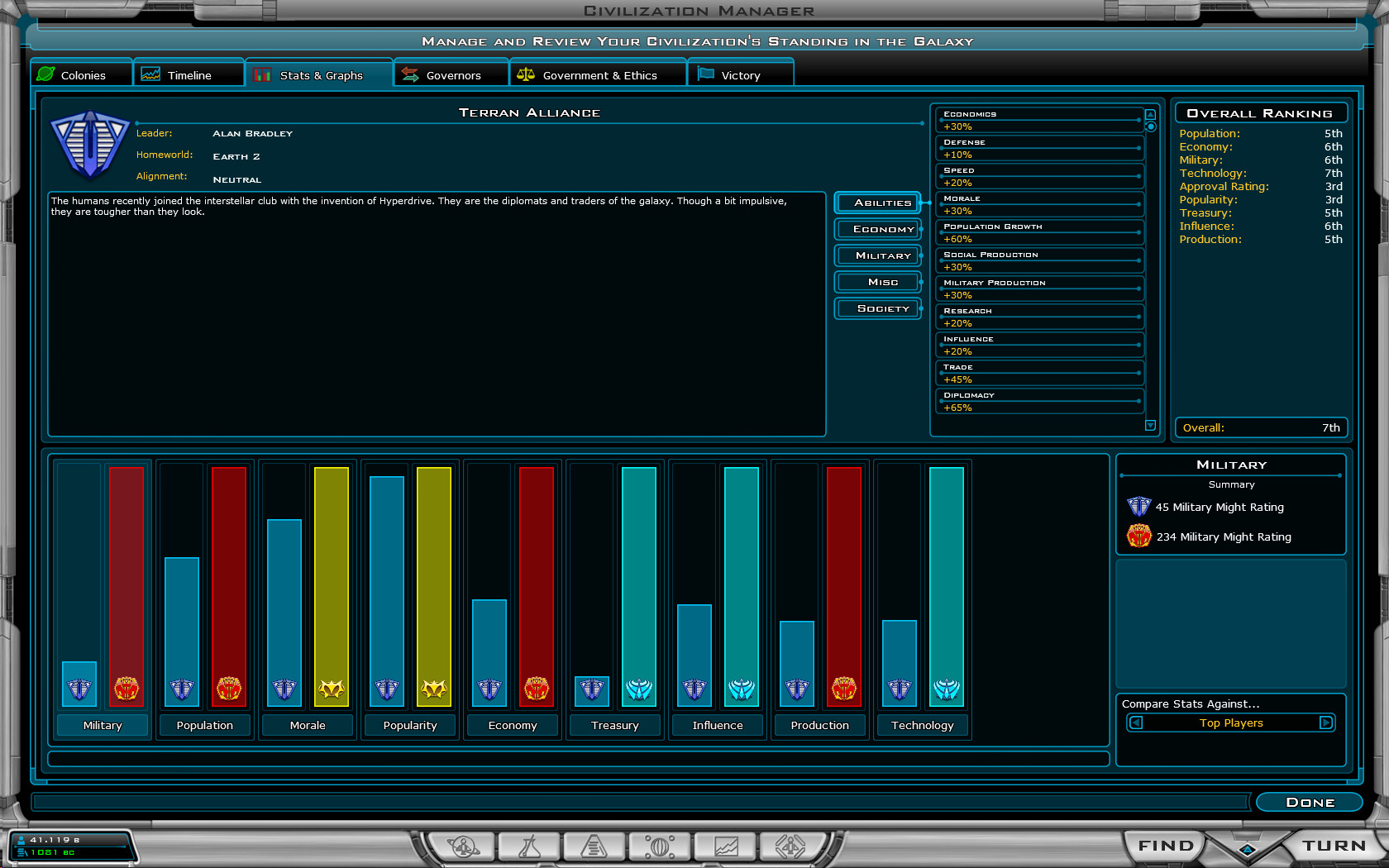
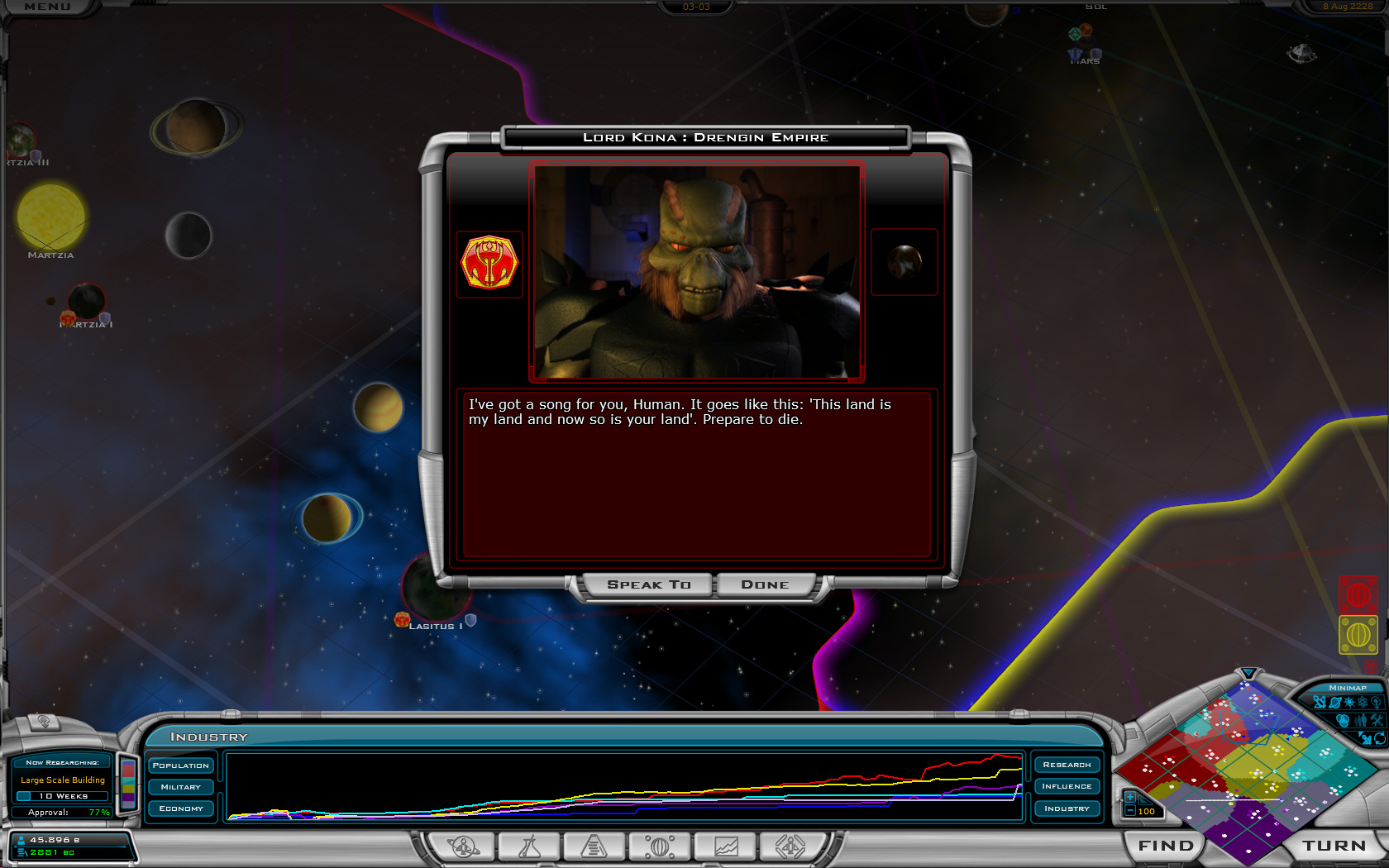
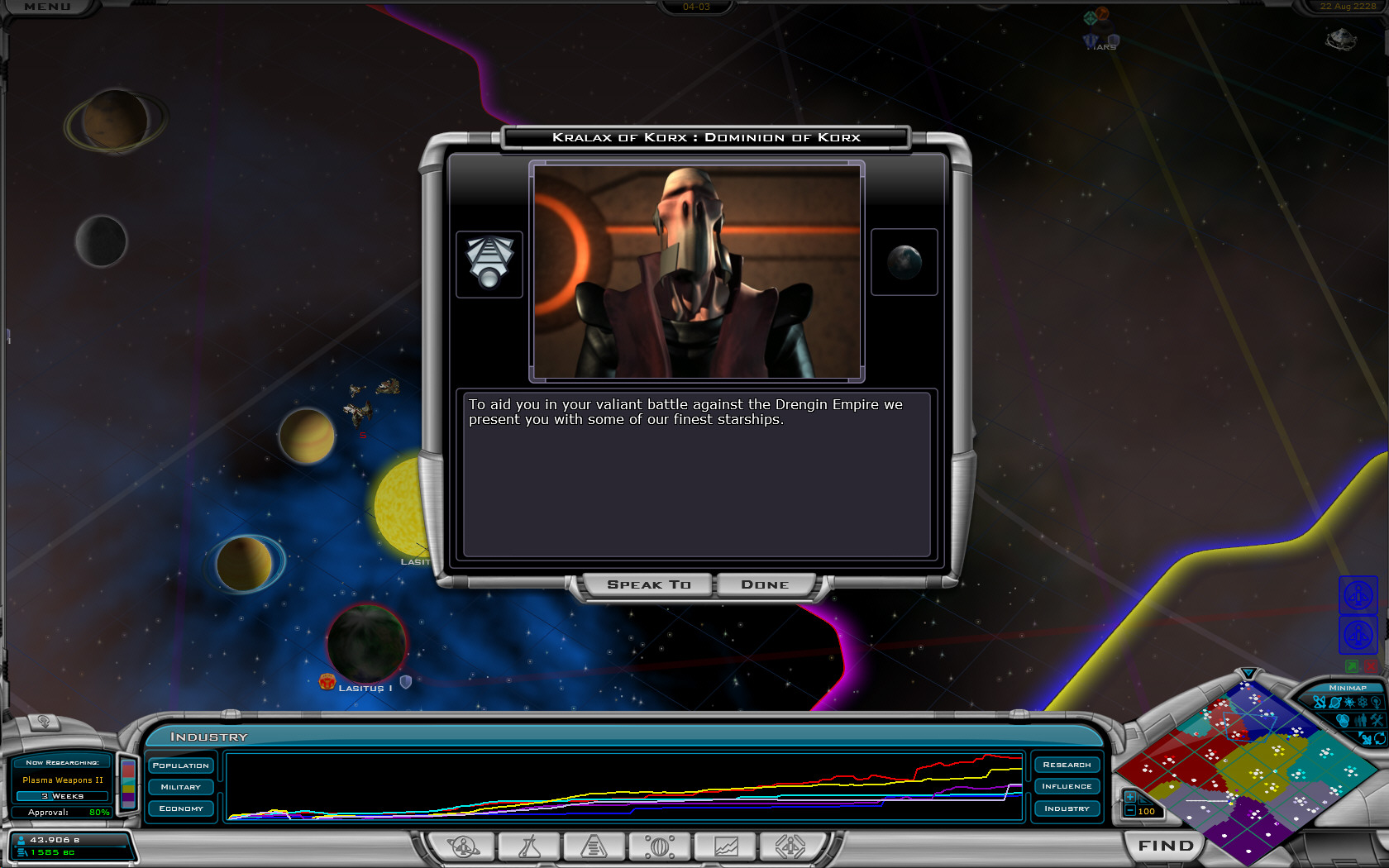
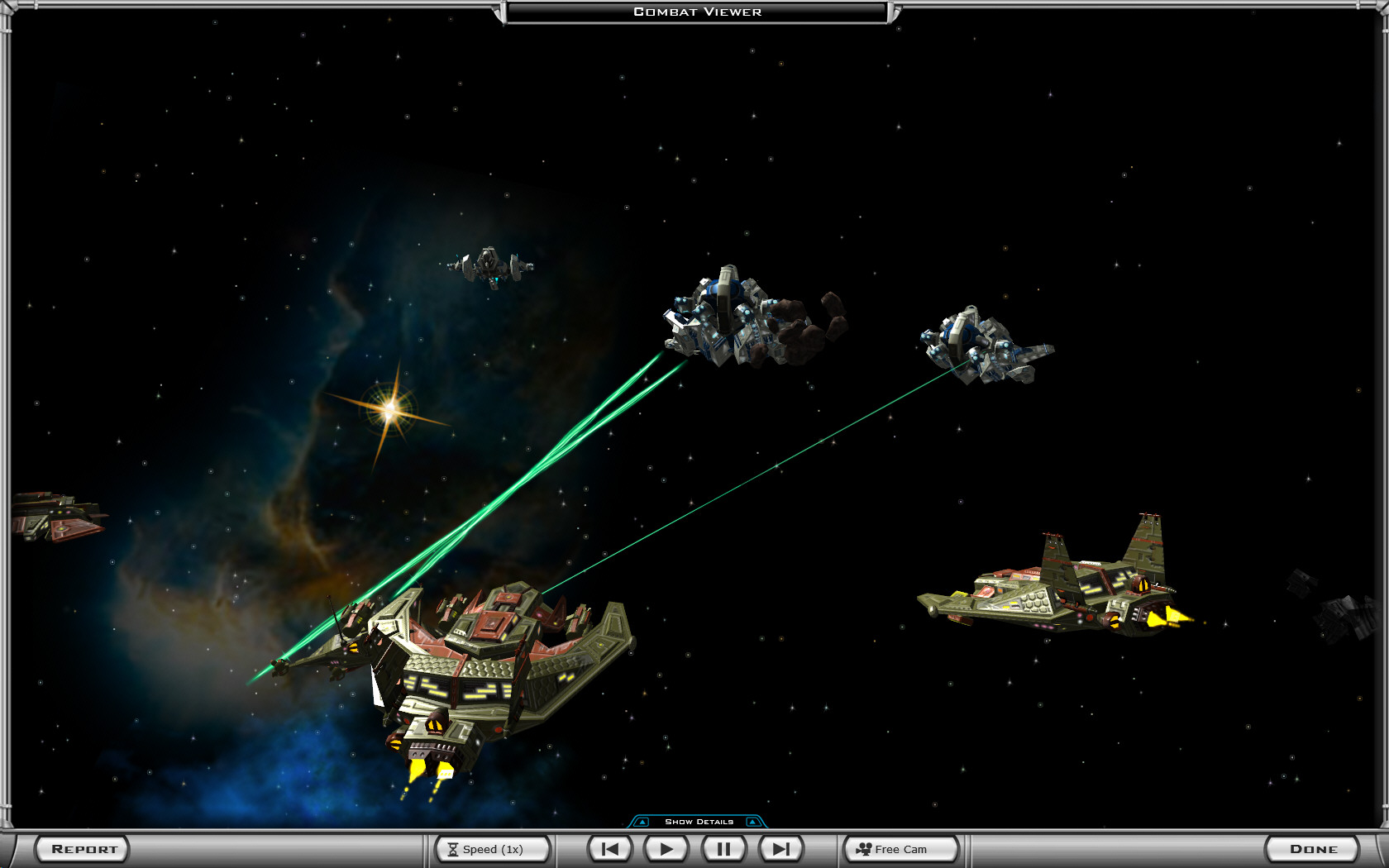
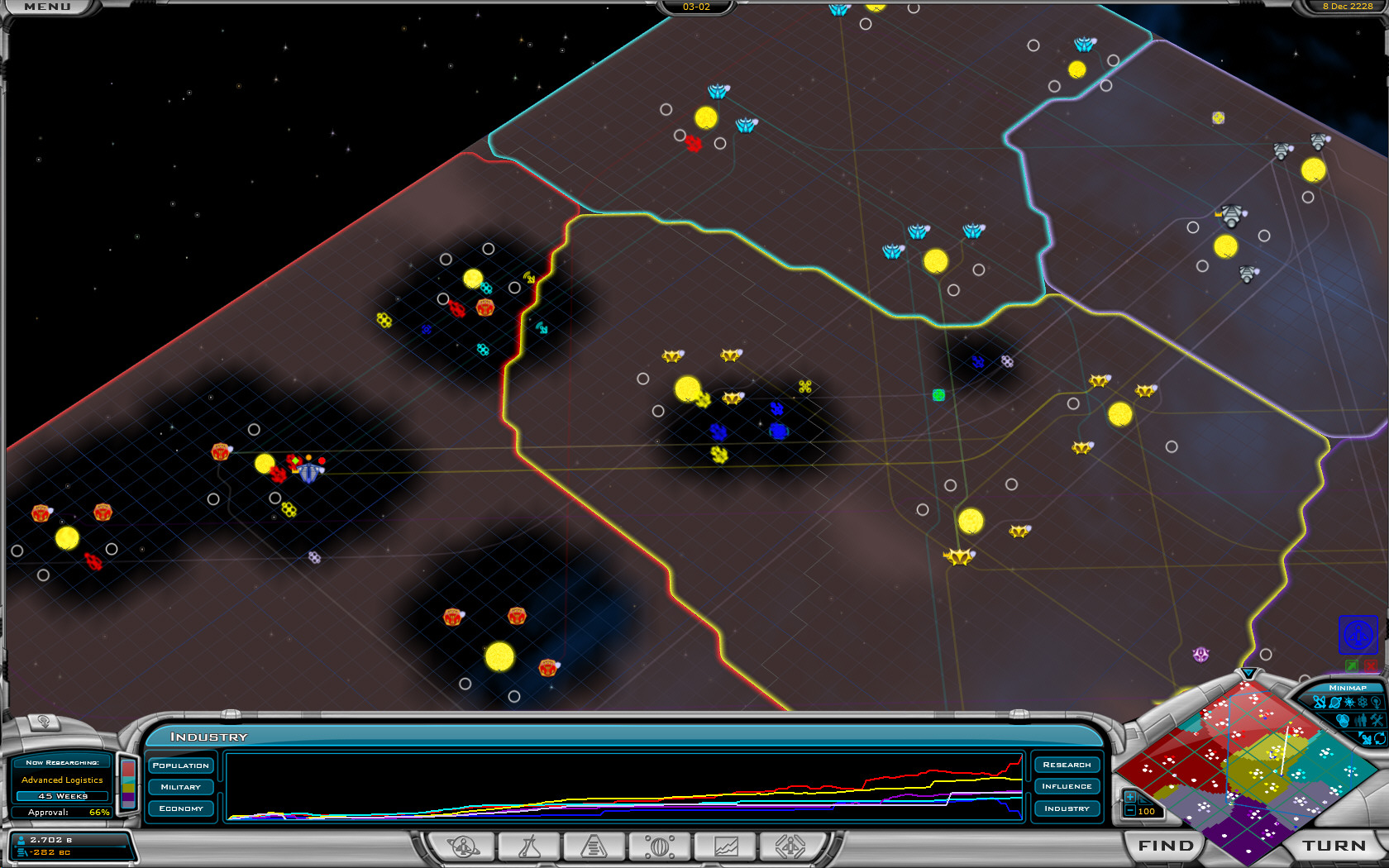
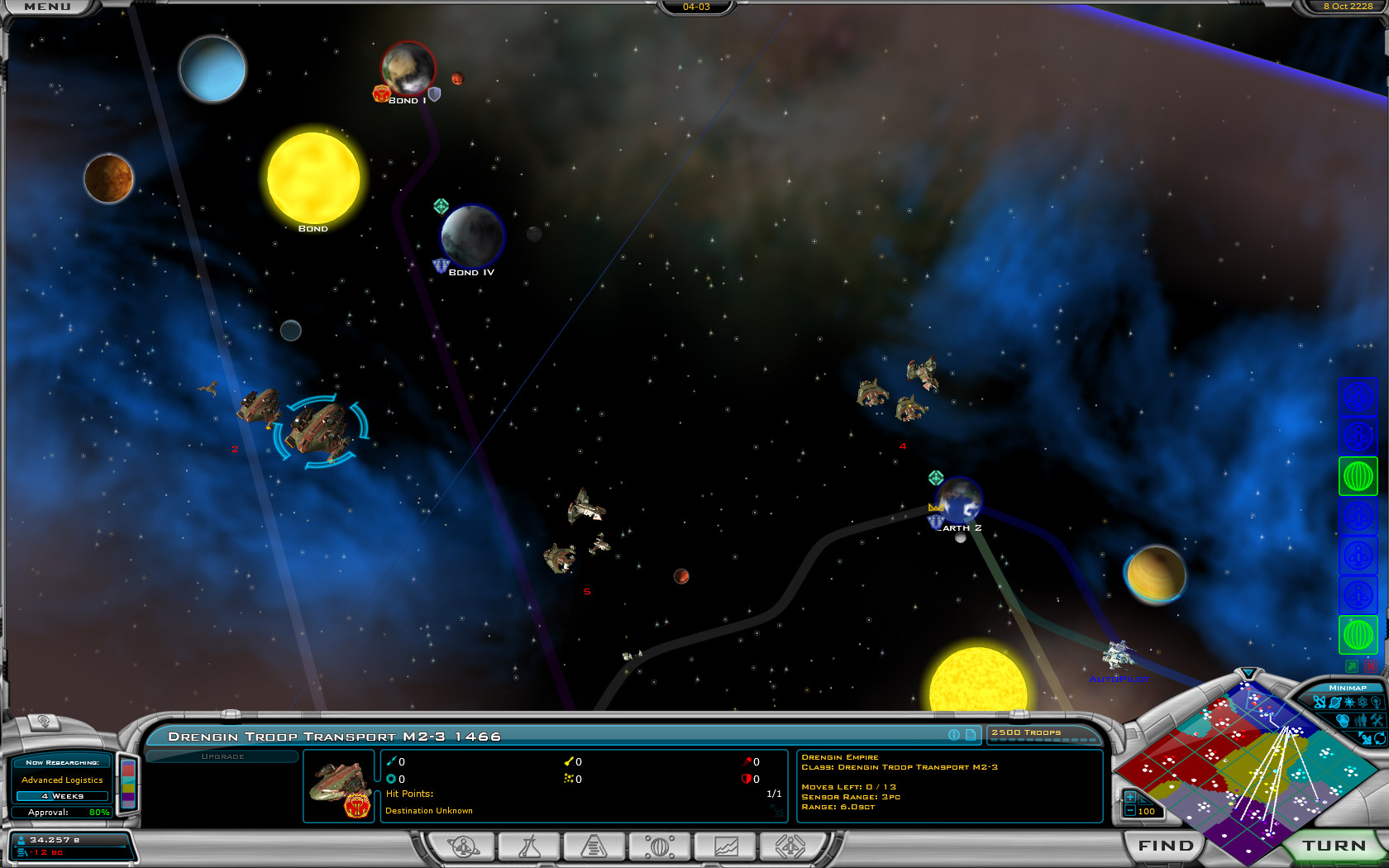
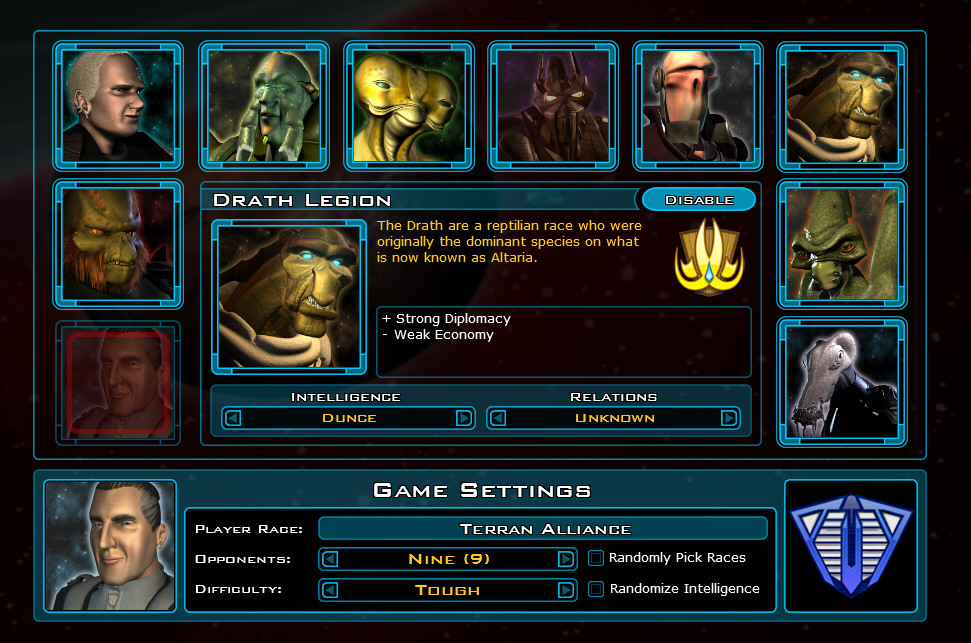
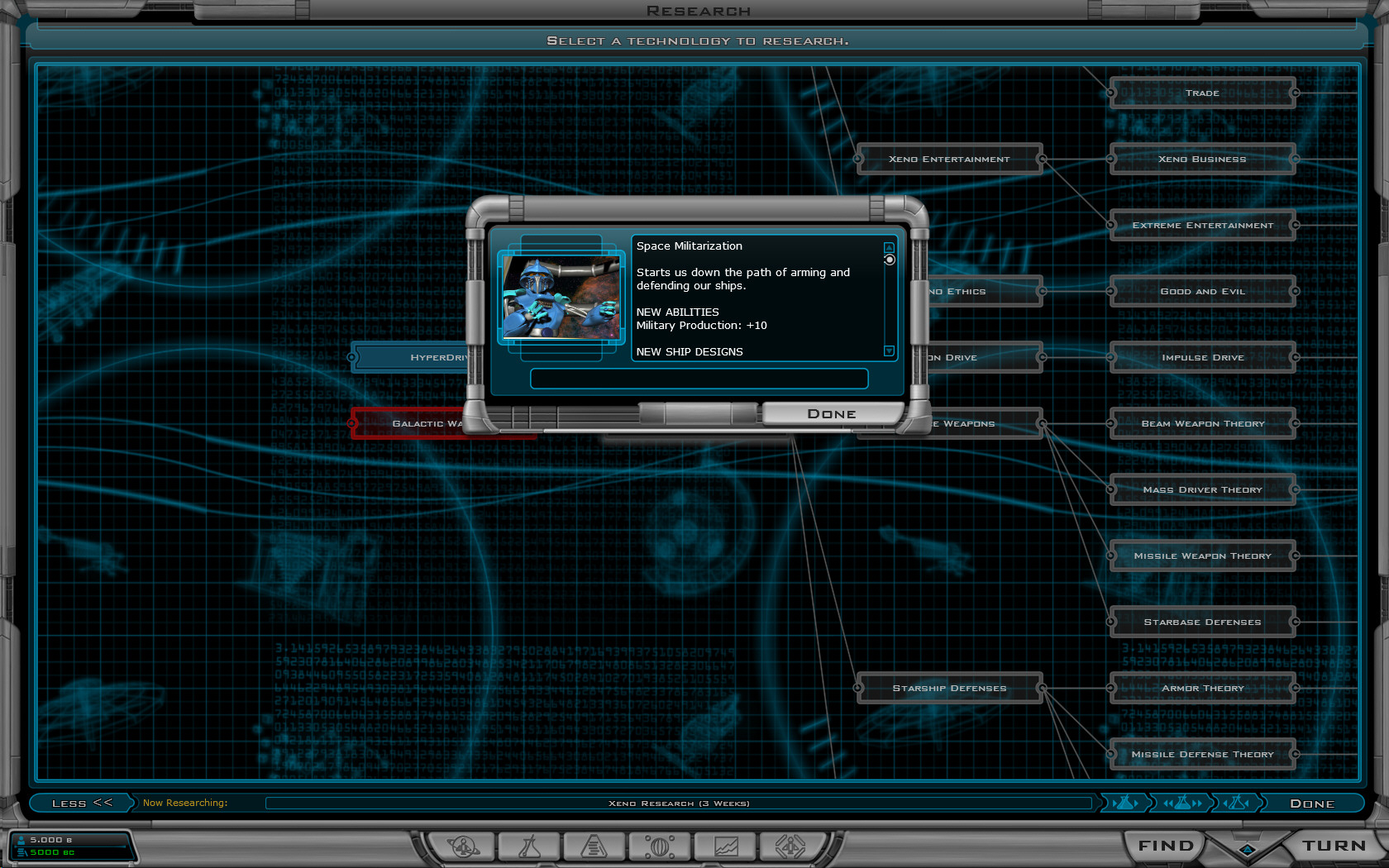
Here are some screenshots:


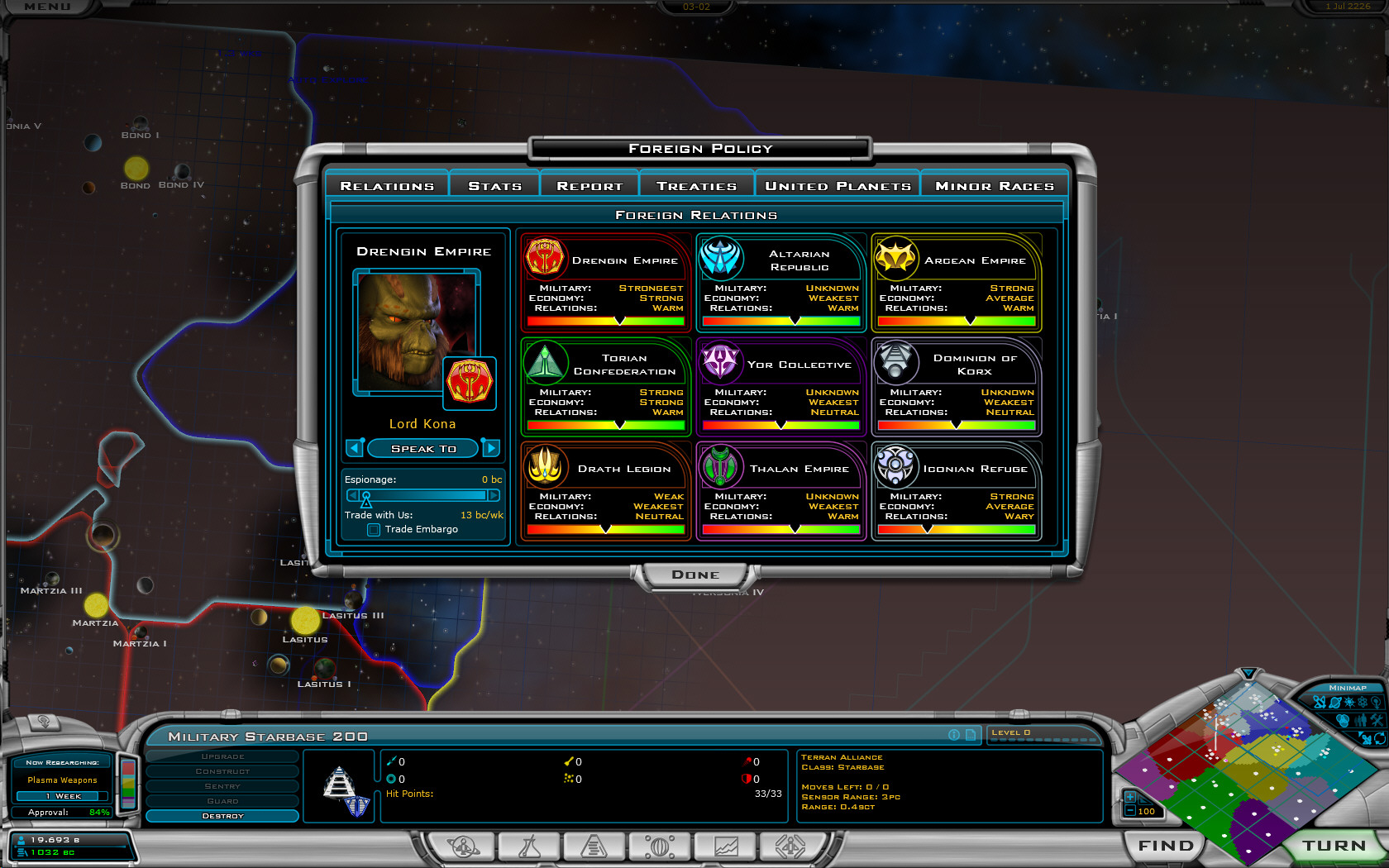
New difficulty levels!


Right-clicking on techs brings up more info now.


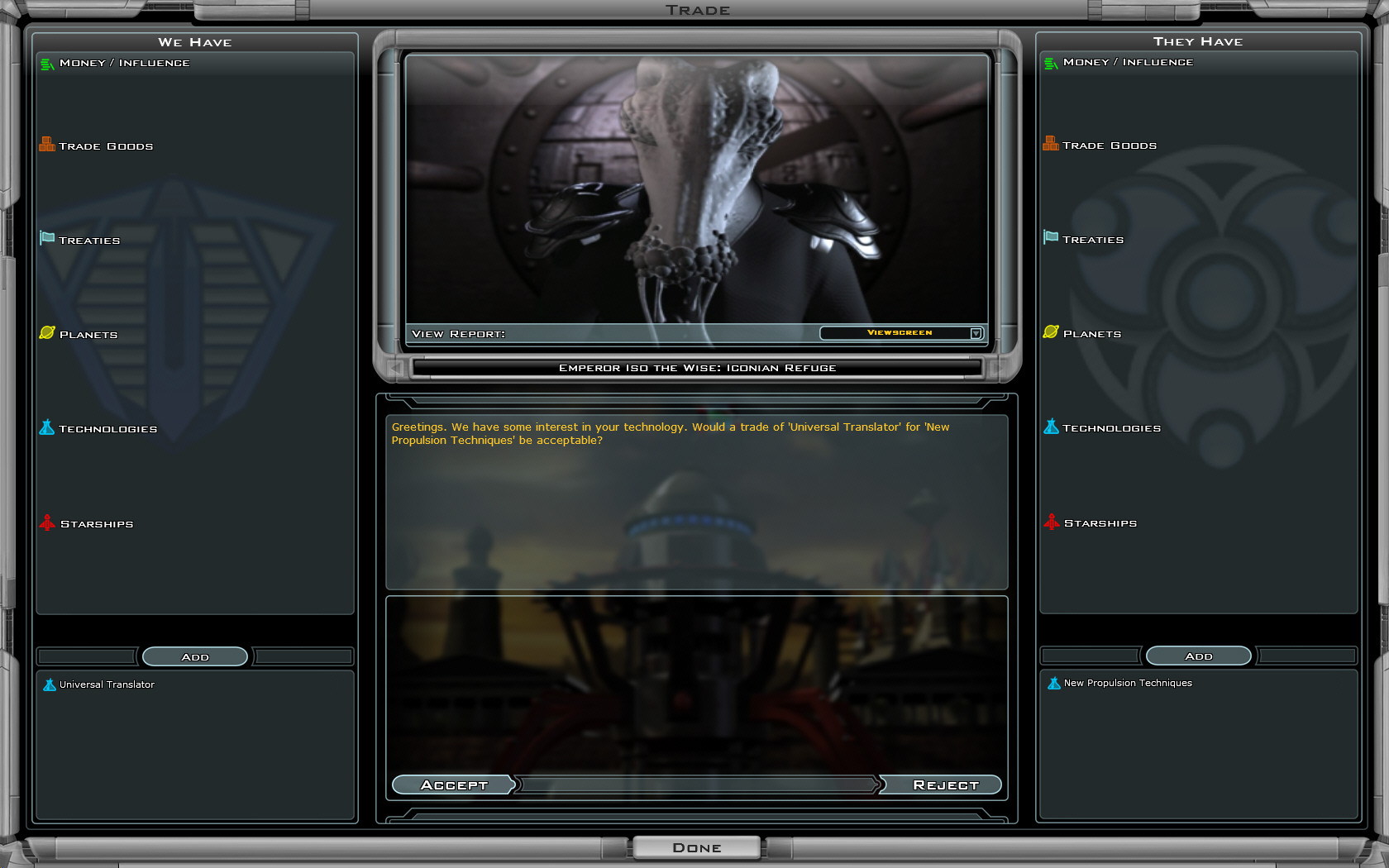
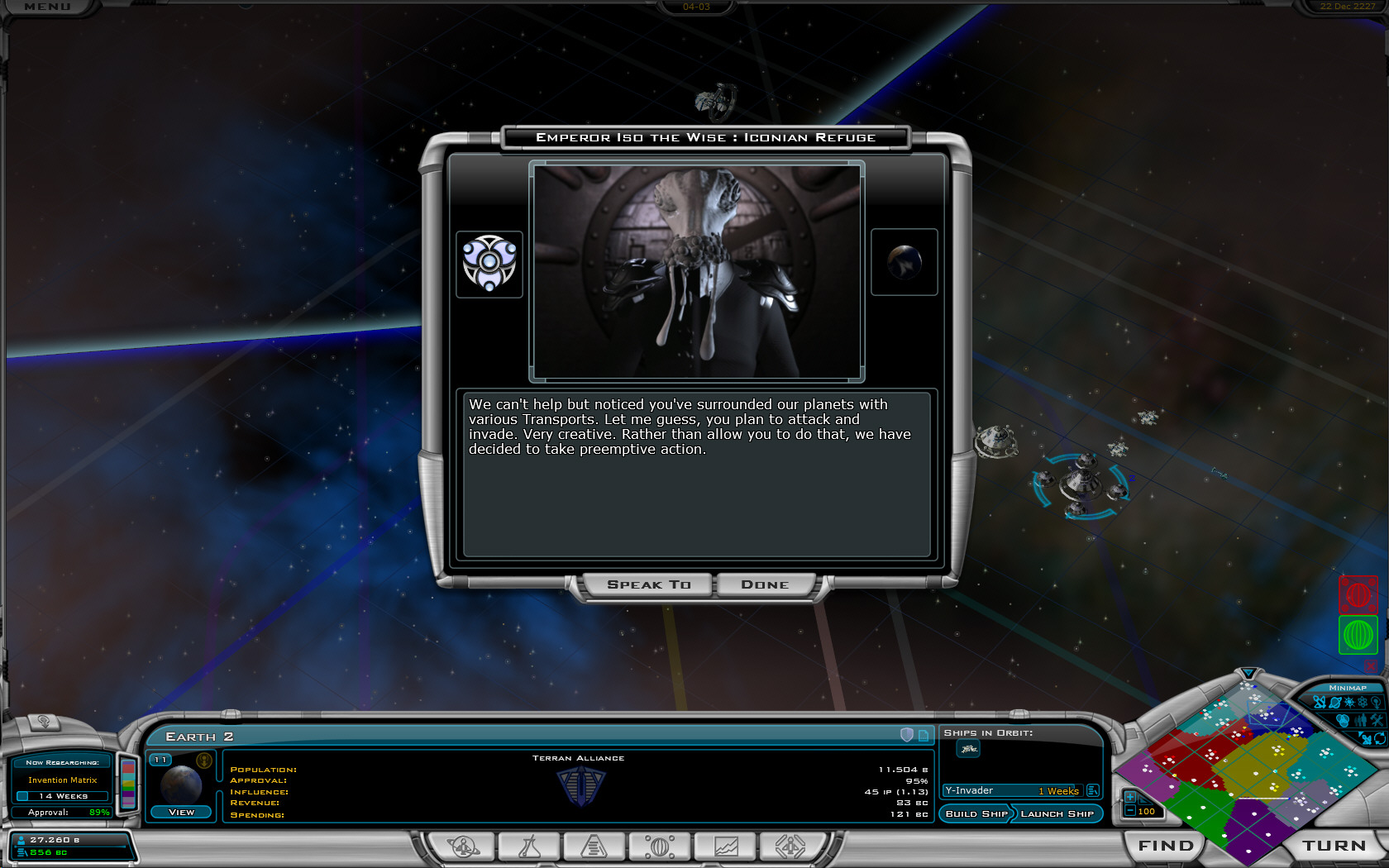
Smarter diplomacy


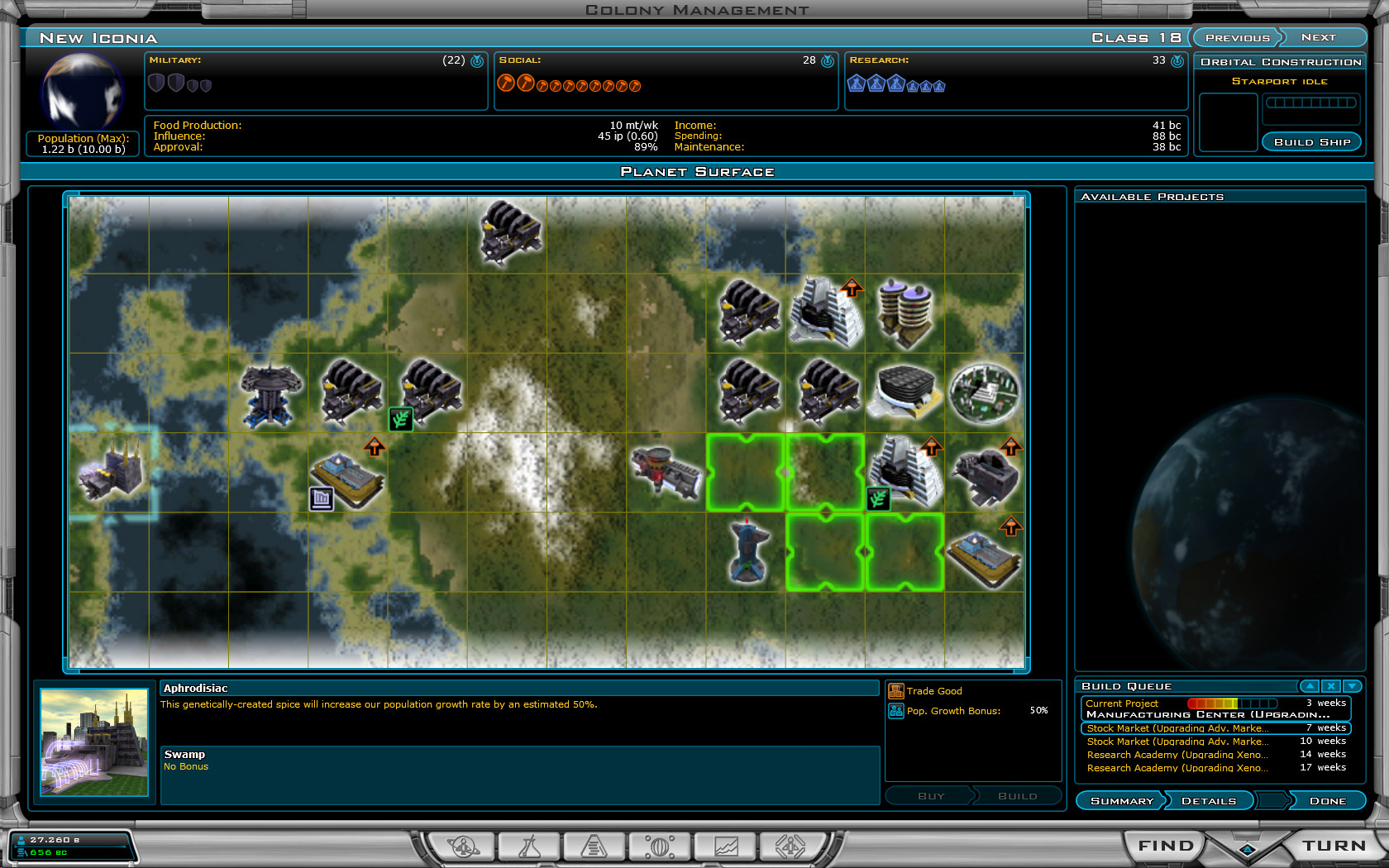
Computer players handle planets better (and in non-obvious ways - won't just plop down an influence improvement on a tile that has a bonus simply because it has a bonus).

Plus...


Galactic Civilizations II is at a store near you (or you can purchase it directly and download it immediately).