Brad Wardell's Blog


Galactic Civilizations II: Twilight of the Arnor BETA 1

Published on Tuesday, October 30, 2007 By Brad Wardell In GalCiv II News

IT IS HERE!

The first beta of the second expansion pack to Galactic Civilizations II was made available today.

The new expansion pack, Galactic Civilizations II: Twilight of the Arnor

will give all 12 major civilizations their own unique technology trees which include new weapons, new planetary improvements, new civilization abilities, and more. In addition, players will be able to construct the star destroying "Terror Star". The graphics engine for the game has been updated and Stardock is overhauling the textures and other elements in the game to make use of the update engine.

The expansion pack is due for release by Christmas but users who pre-order it can get the beta immediately.

An extremely abreviated "what's new" is available in the journals for what's in this beta.

There are plenty of bugs in the beta. I know, I've seen them and some of them are mine. (like the Terran Alliance tech tree not having plasma weapons tied to lasers -- doh!). We will be releasing additional updates to beta 1 this week as we work through such buglets.

One of the things you'll notice are the planetary textures. Right now, we're just testing the new system so the planets generally have the same planet textures. But by release, there will be plenty to keep it unique.

Not only do planets look better but they use a fraction of the memory. When complete, we should be able to double the number of planets on "abundant" over what we have now for users of Twilight of the Arnor.

One of the big stories with Twilight of the Arnor from a technical point of view is that the new graphics look so much better while using so far less memory.

Example:

BEFORE (Dark Avatar) and AFTER (Twilight of the Arnor)

The second screenshot uses around 1/4th as much memory.

Now, if you're worried about running into bugs, then don't bother with these betas. There will be bugs. Lots of them. That's why we have the betas, to let players help us balance.

It's going to be an exhilarating ride! We're very excited to develop the game with you guys! To join the beta, simply PRE-ORDER the game. You get the beta and the final version.

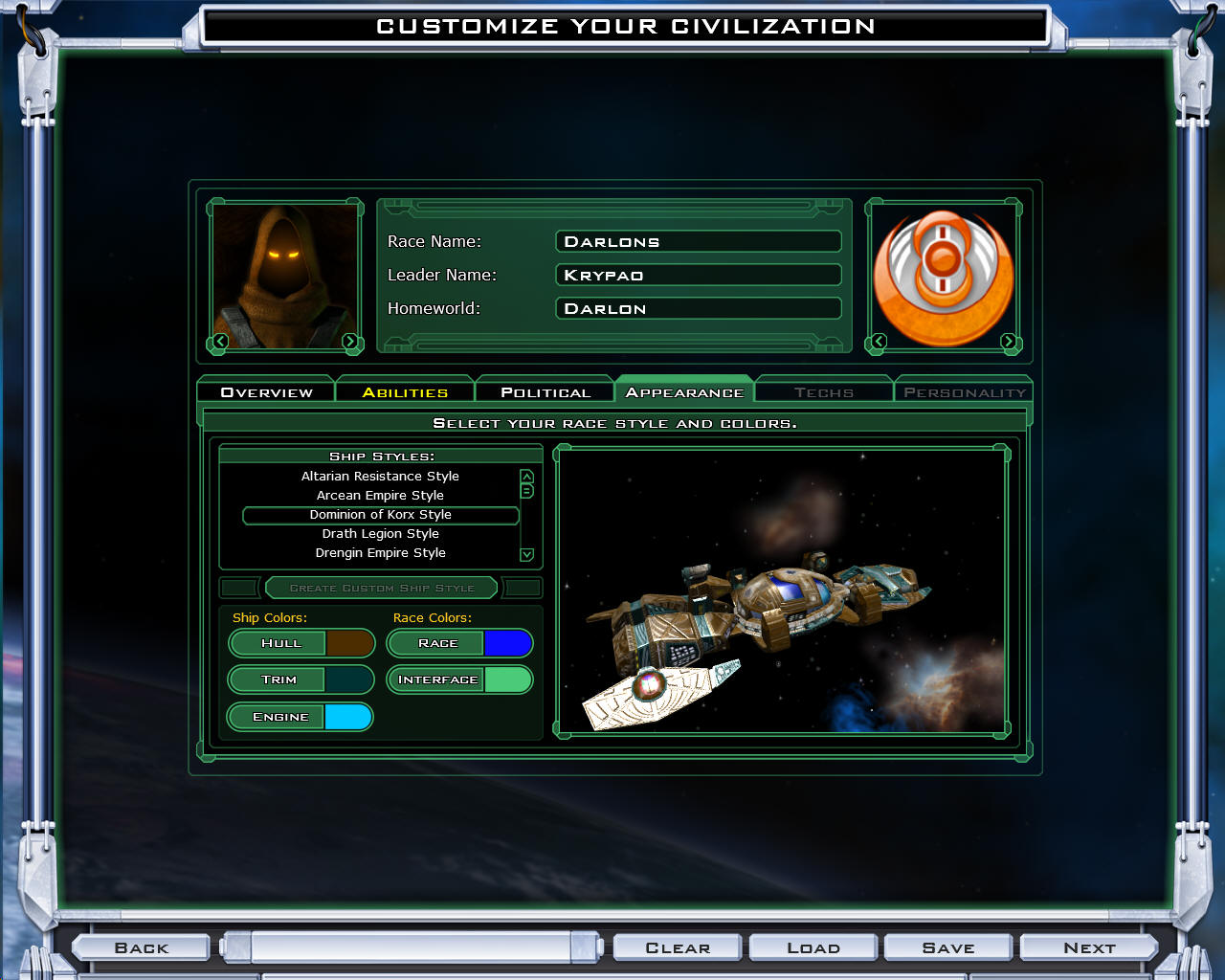
More Screenshots:

[PRE-ORDER and JOIN THE BETA]

Ten Cool Things about Vista you may not have heard of

Published on Monday, October 29, 2007 By Brad Wardell In Windows Vista

Windows Vista has a lot going for it that most people don't really hear about. It's understandable because marketing some of these new features would essentially be tantamount to saying "Oops, XP had some problems". 

What makes Windows Vista a much better experience aren't due mainly to the  major new features. Instead,  it's the hundreds of barely documented improvements to the OS that users notice but quickly take for granted -- at least until they have to go back to using Windows XP for awhile.  The big features like a new security layer, integrated search, game & DVD exploring, DirectX 10, backup, Aero, kernel overhaul, better audio handling, Windows Event logging, WDDM, SuperFetch, ReadyBoost, ReadyDrive support, WPF, WCF, and on and on (thousands of new features).

But what about the end-user experience that people may not have heard of? Below are 10 improvements in Windows Vista you probably haven't heard about.

#1 A truly multithreaded explorer.  In Windows XP, if you opened a file dialog or a window that had to connect to the CD/DVD drive or to the network the whole shell would hang while it did its thing.  Not so in Windows Vista.  In Windows Vista, that all is done in a background thread.  Getting around the OS is always a very fluid experience.
#2 Wireless networking is much improved. The built in wireless networking in XP was pretty awful. Most users ended up having to a user a kludgy or bloated third-part wireless network manager instead.  The one in Windows Vista is not only better looking, it "just works".
#3 Incredibly good plug & play. While it is true that video driver support for Vista at launch was spotty (and not to say "I told you so!" but...read this article from over a year ago). The reality is that most things do work and work extremely well. If I buy a brand new device today and plug it in, odds are it'll work without me having to do anything. And Vista has a nice little progress dialog that you can check to see how your new device is working. On XP, you just got little pop up messages during every stage.  And how many times on XP did you run into something just not working when you plugged it in with no real explanation? That won't happen on Vista. At the very worst case, you'll be able to see where things went wrong in the progress dialog that you can look at.
#4 More polish. Polish matters. If it didn't, we wouldn't be talking about the iPhone all the time. A good user experience matters.  Look at the screenshot to the right here.  Don't be afraid.  This is one of the reasons why Jenny Lam is my hero (her team at Microsoft really did a great job on this).  This kind of improved experience throughout the OS makes Windows Vista much more pleasurable. While there are plenty of people who use our software to make XP look a lot like Vista, there's no substitute for the real thing.
#5 More information about your system. A lot of us have big giant cases under our desk. In fact, in the age of the monitor having the USB ports, the case is getting farther and farther away from us. So the days of being able to simply listen to the hard drive crunching are long over.  On Windows XP, if my system was slow, I'd bring up the task manager and check CPU. And if the CPU meter wasn't pegged then I'd go and look at the case to see if I could hear the hard drive crunching.  On Vista, the task manager will tell you how much of your hard drive bandwidth you're using up and tell you what process is accessing the disk.
#6 Much higher tolerance for handles.  On Windows XP, if your system runs out of handles, programs won't launch and weird things start to happen. There's no warning message about it. Almost nobody knows what a user handle is. On Windows XP, users would just reboot their machine.  People who know what handles know how to kill them off. I wrote an article "How to keep Windows XP stable" that goes into this. On Windows Vista, the system seems to do just fine with high handles so far. This means a much more stable experience.
#7 Assessments. If you're reading this, you're probably the person who people call with computer questions. On Windows XP, you might ask them "What kind of computer do you have?" and the likely response was "It's a Dell." or HP or Gateway or Toshiba or whatever. On Windows Vista, you instead ask them what their performance index is which they can get to very easily. This instantly lets people see how fast their computers really are.
#8 Better thumbnails. Windows Vista has "Windows Photo Gallery". But 99% of the time I'm going through photos in Explorer.  In Windows XP, my choice was "thumbnails" which topped out at 128x128 thumbnails.  In Windows Vista, I can have them as large or small as I'd like which can make for very handy viewing of lots of pictures at once.
#9 Better Laptop experience. In Windows XP, I didn't ever know for sure if my laptop was really going to come back from sleep or hibernation. Some of my laptops still run XP and it's a difference between XP and Vista I am constantly reminded of. In Windows Vista, my PC is definitely coming back from sleep. I know there are still people who complain, I'm not saying it's perfect but it's a lot more reliable for me than XP was (or OS X Tiger was) in this regard.
#10 Usability improvements. There are so many tiny touches in Windows Vista that you won't see mentioned anywhere. For instance, in Windows Vista, if you click on the system tray clock, you get a nice calendar dialog. By contrast, in Windows XP, I would double-click to get the date and time properties and it was slow (the Vista calendar pops up instantly).  It's just a nice small but useful touch. The home folder is a really nice touch that wasn't in XP in a meaningful way.


Sunday Night Debugging!

Published on Sunday, October 28, 2007 By Brad Wardell In GalCiv Journals


Me on a Sunday night.

And what am I doing? I'm going through and cleaning up my mistakes in the XML.  And it's been frustrating.  The technology tree setup is very complicated because you have base technologies and inherited technologies.  That is, a given race can have their own spin on a particular technology. So for instance, Warp Drive might be cheaper for humans and have a different description. This is very cool from a game point of view but can be a bit of a headache from an XML point of view.

There is also a lot of grunt work putting in all those planetary improvements that are unique per race.

We're getting there!


Taxes: Who do you trust to produce prosperity?

Published on Sunday, October 28, 2007 By Brad Wardell In Politics

Often in debates you see Demcorats argue that we need to raise taxes in order to help society.

Hillary Clinton said it best:

“We’re going to take things away from you on behalf of the common good.”

This is the kind of thinking one would expect from people who don't have the foggiest understanding of real-world economics.

First, some facts to begin with:

  1. The wealthiest income earners 10% pay the vast majority of the taxes (nearly 3/4ths of it).
  2. The wealthiest income earners work harder and consume far less than their means than on average. (see this Washington Post article for specifics)
  3. Our tax system punishes earned income while ignoring investment income and the "idle rich". (hence, we call it the "INCOME" tax).

According to Democrats running for President, we should confiscate the earnings of the most successful Americans and have the government spend it instead of them.  That's precisely how taxes work. We take earnings from one person and then have the government decide how those earnings will be spent instead.

The result is that we are left with a stark choice: Who do you think will make better use of a dollar?

It's a subjective question and I invite you to invest all of your subjective prejudices to the question. Who do you think will do more to benefit society with that dollar? Who do you think will generate the most properity with that dollar? Who do you think will help the poor most with that dollar? Who do you think will create the most jobs with that dollar? And so on.

Let's look at the "rich" and the government.  Make sure you've read the linked to article from the Washington Post. But if that's not enough, you can do your own research on the net as to the demographic info on "the rich" really is.  It's not unknown. Similarly, who decides how money is spent by the government is not unknown.

The case for the rich.  The highest income earners have already demonstrated the ability to take that dollar and turn it into many dollars. That is how their income is derived in the first place by definition.  They indisputably are able to generate wealth and use the money in ways that benefits society since their money must necessarily come from other people voluntarily purchasing a product, good, or service from them.  This creates jobs. Creates opportunities. Helps people across the entire economic spectrum.

The case for the government.  Congress decides where money is going to be spent. Congress is made up of 100 senators and 435 representatives.  Their qualification for making these vast decisions is that they were elected. Period.  Moreover, while the "rich" group includes millions of people making individual decisions based on very adapted circumstances, the government's arbiters number exactly 535 (536 if you include the President and his veto). Conservatives complain that politicians are incompetent and corrupt.  Liberals complain that politicans are bought off by "big business". In either case, there is absolutely no requirement that one of these 535 people have the slightest inkling of how economics works (as Hilary Clinton made obvious in her idiotic statement quoted at the start of this article).

If the rich make poor decisions with their money, they cease being rich.  If politicians make poor decisions with money, they simply ask for more money in the form of higher taxes.  In other words, one has an incentive to use money well, the other has an incentive to be wasteful with money.

So next time you see a politician argue that we need to take money from "the rich" in order to help society, think carefully about who is really helping society more.

Object Desktop to get new "components"

Published on Friday, October 26, 2007 By Brad Wardell In WinCustomize News

Starting next week, we will be adding three new components for Object Desktop users! They will be:

  • Premium Suites 
  • Premium WindowBlinds Skins
  • Premium Icon Packages

These 3 new components will be updated throughout the year with new skins, icons, and suites.

The first one we plan to deliver will be the Turbo WindowBlinds skin which will also be available as a $4.95 Master skin for users who don't have Object Desktop.  The next one will be the Quest theme which will be free for Object Desktop users but also be available for $9.95 for those who don't have Object Desktop.

To purchase Object Desktop or to upgrade from WindowBlinds to Object Desktop go here:

[Object Desktop Home Page]

Democrats don't understand the effect of income taxes

Published on Thursday, October 25, 2007 By Brad Wardell In Democrat

Democrats, in general, are extremely ignorant about economics. It's difficult to even find a Democrat with any serious experience in running a business or having actually produced anything at all. Elected Democrats tend to be lawyers. At best, lawyers help honest business men and individuals settle a dispute. At worst, lawyers are parasites on society.

It is usually without irony that Democrats decry how much doctors make and how health care costs need to be controlled while ignoring that it is because of greedy lawyers and their lawsuits that have a major impact on the cost of health care.

I rarely hear Democrats complain about how much lawyers make. Democratic Presidential candidate, John Edwards had a net worth of over $60 million.  Consider that. John Edwards doesn't produce anything. He makes no products or goods.

And it is because Democrats are so rarely involved in producing anything that they have such a lack of understanding in economics.

For example, Democrats always seem to fixate on earned income when it comes time to "tax the rich".  Yet they seem oblivious to the implications of their policies. When you tax the earned income of the rich, you are really hurting the most vulnerable Americans. The "rich" who are earning their income simply pass on that tax to their least productive workers in the form of lost jobs and lower wages.

According to the New York Times (that right wing rag..) the richest Americans are:

  • Mostly self employed
  • Mostly run businesses

So what happens when you increase their taxes? You increase their expenses. And what happens if you increase expenses? You either have to make more money or cut other expenses. Most companies have "fat" they can trim -- employees whose employment are tenuous.  There's basically a layer of the American workforce that I'd say is only borderline employable. During the good times, they have jobs because their marginal productivity is still worth it.  But when times are tough, they're the first to get cut.

Raising taxes on the rich simply adds to the bottom line cost and it is those at the bottom that suffer first.  Yet Democrats never seem to get this even though it's been demonstrated time and time again.  It is one of the reasons why lowering taxes increases government revenue. It isn't due to "trickle down" economics but rather because the cost of doing business for the bulk of employers goes down allowing them to hire more people and invest more which in turn generates income at a greater rate than inflation.  It's not rocket science -- unless you're a Democrat I guess.

Democratic Congressman Obey shows undemocratic side of party

Published on Thursday, October 25, 2007 By Brad Wardell In Democrat

In the United States, liberals represent the American left. And liberals tend to be Democrats.  It has been my observation that generally speaking, liberals despise democracy. They either make use of obscure procedural tricks or the courts to get their way.

Rarely do you get to have such a great example of quintessential characteristics of a modern American liberal.  This week, David Obey, a Democrat from Wisconsin is single handedly holding up a supplemental military funding bill to pay for the war in Iraq.

How is he doing it? Thanks to internal rules for the House of Representatives (and these rules are not in the US Constitution, they're simply procedural in nature), the chairman of the appropriations committee can table bills. That is, a single individual in the house of representatives is able to decide for the entire United States what US policy is going to be.

Odds are, you didn't have a chance to vote for or against David Obey.  But no matter, he sees himself as the self appointed arbiter of US policy. You may not like Bush or the War in Iraq but the American people voted in a fair election for him to be in a position to be President who has broad powers over foreign policy given to him by the constitution.  By contrast, Obey is abusing a procedural mechanism to take on almost dictatorial powers on appropriations.

The way it is supposed to work is that the bill is put to a vote by the house of representatives (yay or nay). This way, our representatives have to go on record either supporting or opposing the bill.  But not now. Thanks to Obey, we can potentially look forward to a system in which highly partisan politicians in safe districts are embedded into choke points that can block votes.

Windows Vista skinning comes of age

Published on Thursday, October 25, 2007 By Brad Wardell In WinCustomize News

The release of WindowBlinds 6 represents the coming of age of Windows Vista skinning.  Certainly Windows XP users get a lot of benefits from WindowBlinds 6 but as pointed out in "Playing with Magic", a world without WindowBlinds 6 is a world in which Windows Vista customization is extremely limited.

I am always amazed when I hear someone say "Why would anyone want to skin their computers?" as they adjust their custom cell phone case.  People trick their rides in every way shape and form. We're stuck in front of computers all day so it's not surprising that people would want to personalize it.

As I type this, only around 10% of the PC market has migrated to Windows Vista.  But on WinCustomize.com, it's over 22%.  So far this month, around 700,000 unique Windows Vista users have come to WinCustomize.com to download skins, themes, wallpapers, etc.  A year from now, it'll probably be mostly Windows Vista users.

What's ironic is that Windows Vista is a better platform to customize because it's got many small buglets that were in Windows XP cleaned up. But it's a harder platform to customize because of the demands it makes on skinners.  Everything from 256x256 sized icons (which are practically clipart unto themselves) to the differences in the myriad of editions of Windows Vista (Basic vs. Home Premium vs. Ultimate) combine to make Windows Vista a challenge for skinners.

If you're still running Windows XP and you're happy with it, then stick with it. The amount of cool stuff for Windows XP continues to grow.  But if you're a Windows Vista user, the good news is, the future looks bright. In the coming months, you will see more and more easy to use tools released that will let you customize your OS in ways that are breathtaking.

Galactic Civilizations II: Twilight of the Arnor Status Report

Published on Wednesday, October 24, 2007 By Brad Wardell In GalCiv II News

There's going to be a slight delay in the release of the beta of the first expansion pack. Our IT team tells us that some additional testing of Stardock Central's module handling will be needed to make sure all the new directories and such required by Twilight of the Arnor can be done.

But work continues in the meantime and I hope to provide a game play example over the weekend as we flesh out the new tech trees and components and start on the AI updates.

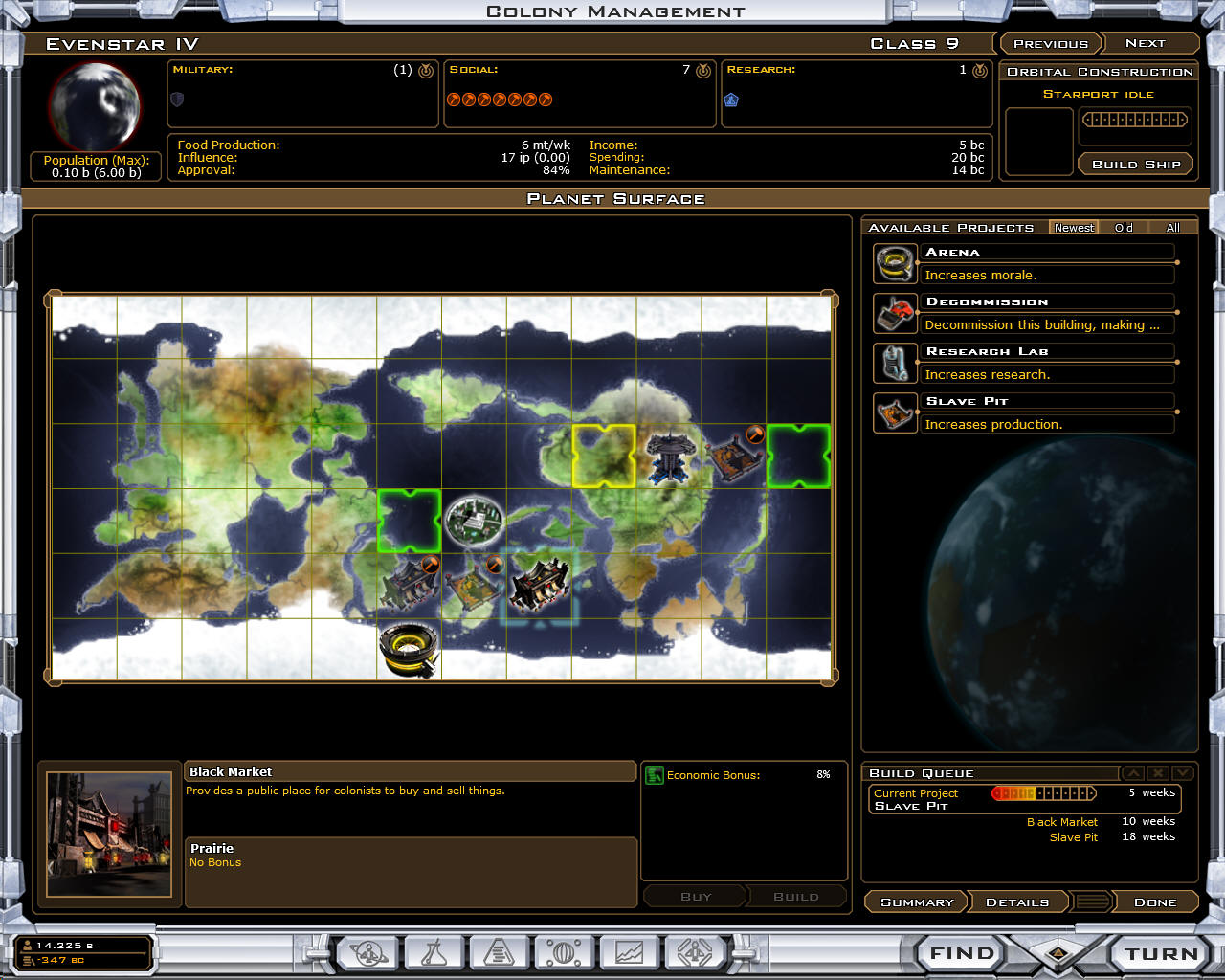
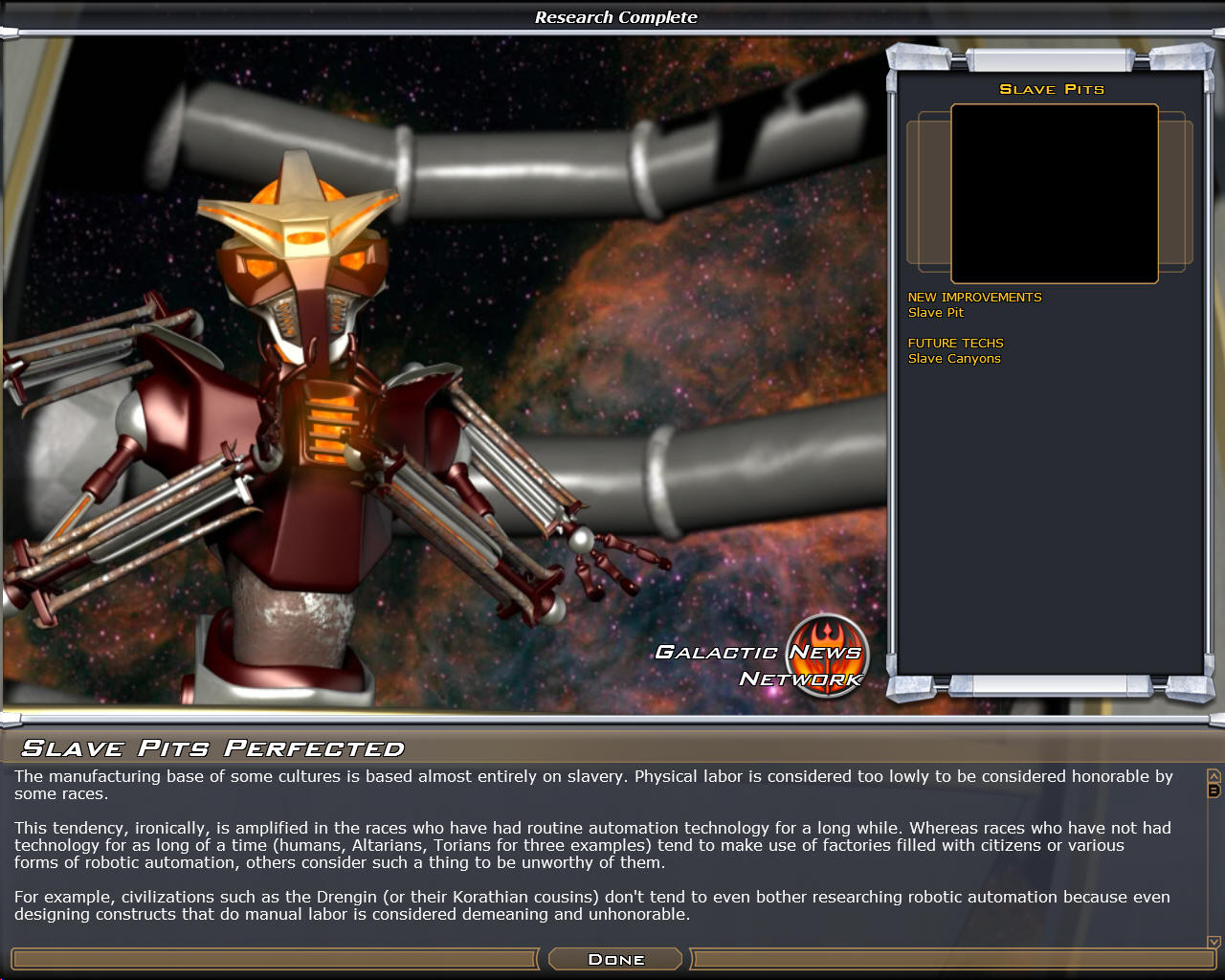
Here are a couple of screenshots from the internal alpha:


Pre-Order Now

Working feverishly

Published on Tuesday, October 23, 2007 By Brad Wardell In GalCiv II News

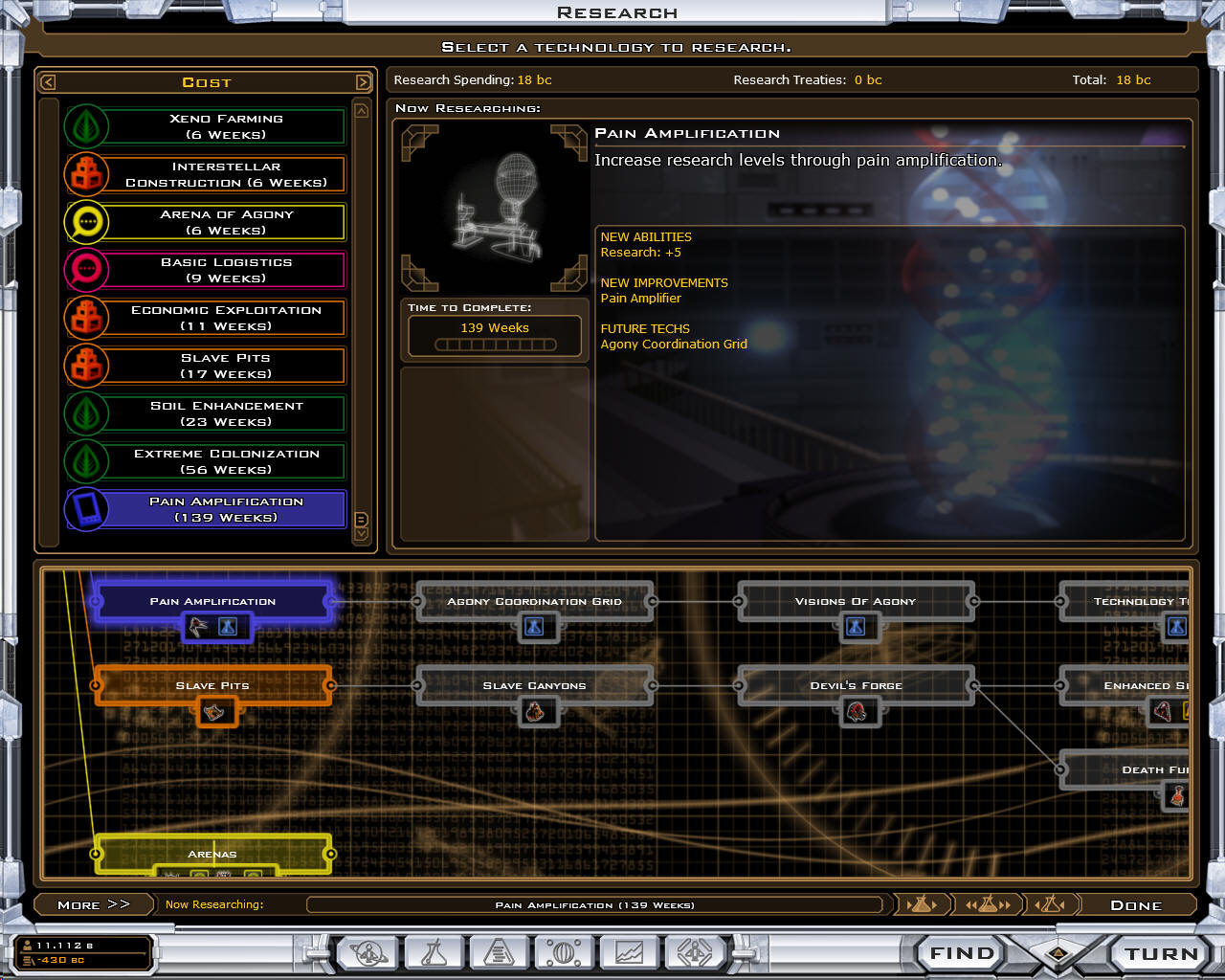
We are working really hard to get the pieces to the first beta of the new expansion pack for Galactic Civilizations II.  The expansion pack (Galactic Civilizations II: Twilight of the Arnor) comes with a lot of stuff.  One of the things we haven't been talking about are the editors.  The first beta probably won't include the editors because we just won't have time to do internal QA on them. But above is a screenshot of the new technology tree editor that is designed to make it easy for people to make their own unique technology trees.

If you want to get the beta, you will need to pre-order the expansion pack by clicking below.. 

Pre-Order Now